Your Guide to Using a TikTok Transcript Generator
A TikTok transcript generator is a tool that takes the audio from any TikTok video and instantly turns it into text. It’s the fastest way for creators and marketers to get their hands on a video’s script, allowing them to repurpose content for SEO, analyze what makes a video go viral, and create accessible captions without any manual typing.
Unlocking Your Content's Hidden Potential
Every single TikTok you create or watch has untapped value locked away in its audio. Most people think of transcripts as just a way to add captions, but that's only scratching the surface. They're actually a strategic asset that can fuel your entire content growth engine.
A powerful TikTok transcript generator turns those fleeting spoken moments into something permanent—content that keeps working for you long after the initial buzz dies down.
For creators, this is a total game-changer. Instead of just jumping on trends, you can actually deconstruct them. Turning a video's audio into text lets you see the exact hooks, storytelling formulas, and calls-to-action that made it successful. It’s like getting the blueprint to viral content handed to you.
It’s About More Than Just Captions
Thinking of transcripts solely for accessibility is a really limited view. Yes, making your content inclusive is incredibly important, but the strategic benefits run much, much deeper.
Here’s a quick overview of the key advantages of using a TikTok transcript generator. This table breaks down exactly how this simple tool can amplify your content efforts across the board.
| Key Benefits of Using a TikTok Transcript Generator | |
|---|---|
| Benefit | Impact for Creators |
| Content Repurposing Engine | A single transcript can be transformed into a blog post, a series of tweets, a YouTube description, or an email newsletter. It multiplies your content output. |
| SEO & Discoverability | Search engines like Google can’t watch videos, but they can read text. Adding a transcript to your site makes your video content indexable, driving organic traffic. |
| Trend & Competitor Analysis | Quickly study what top creators in your niche are saying. A transcript reveals their language, pacing, and keywords, informing your own scriptwriting. |
| Improved Accessibility | Makes your content accessible to the Deaf and hard-of-hearing community and helps viewers who watch with the sound off, increasing overall reach. |
As you can see, a transcript isn't just a byproduct of your video; it's a foundational asset that opens up a ton of new possibilities for growth and engagement.
Capitalizing on a Massive Audience
Let's be real—TikTok is a content powerhouse. It has 1.9 billion monthly active users who spend, on average, a whopping 95 minutes a day on the app. That is an insane amount of attention.
In a world where short-form video is on track to make up 82% of all internet traffic by 2025, the need for tools that can keep up is more critical than ever. You can find more stats on video completion rates here. If you want to tap into this massive audience effectively, you need to work smarter, and that starts with having the right tools to turn great videos into great content everywhere.
Alright, you've seen what's possible when you treat your video's audio like the goldmine it is. Now, let's get into the how. Pulling a transcript from a TikTok shouldn't feel like a chore or a technical nightmare. It should be fast. With a good TikTok transcript generator like Transcriby, you can go from video link to full text in literally under a minute.
The real game-changer here is simplicity. You don't need to fire up video editing software or mess with complicated settings. All you need is the URL of the TikTok. The tool does all the heavy lifting—grabbing the video, processing the audio with its AI, and spitting out the text.
This kind of speed is essential. If you're a creator or marketer, you need to move at the speed of the algorithm. Whether you're breaking down a competitor's viral hit or trying to spin your latest video into a blog post, you don't have time to waste.
Your Quickstart Guide to Transcription
Getting started is as easy as copy-paste. Seriously. Just find the TikTok you want to transcribe, hit the "Share" button, and tap "Copy Link." That's it. You're ready.
Once you hop over to Transcriby, you'll see how clean the whole process is. No clutter, no confusing options.
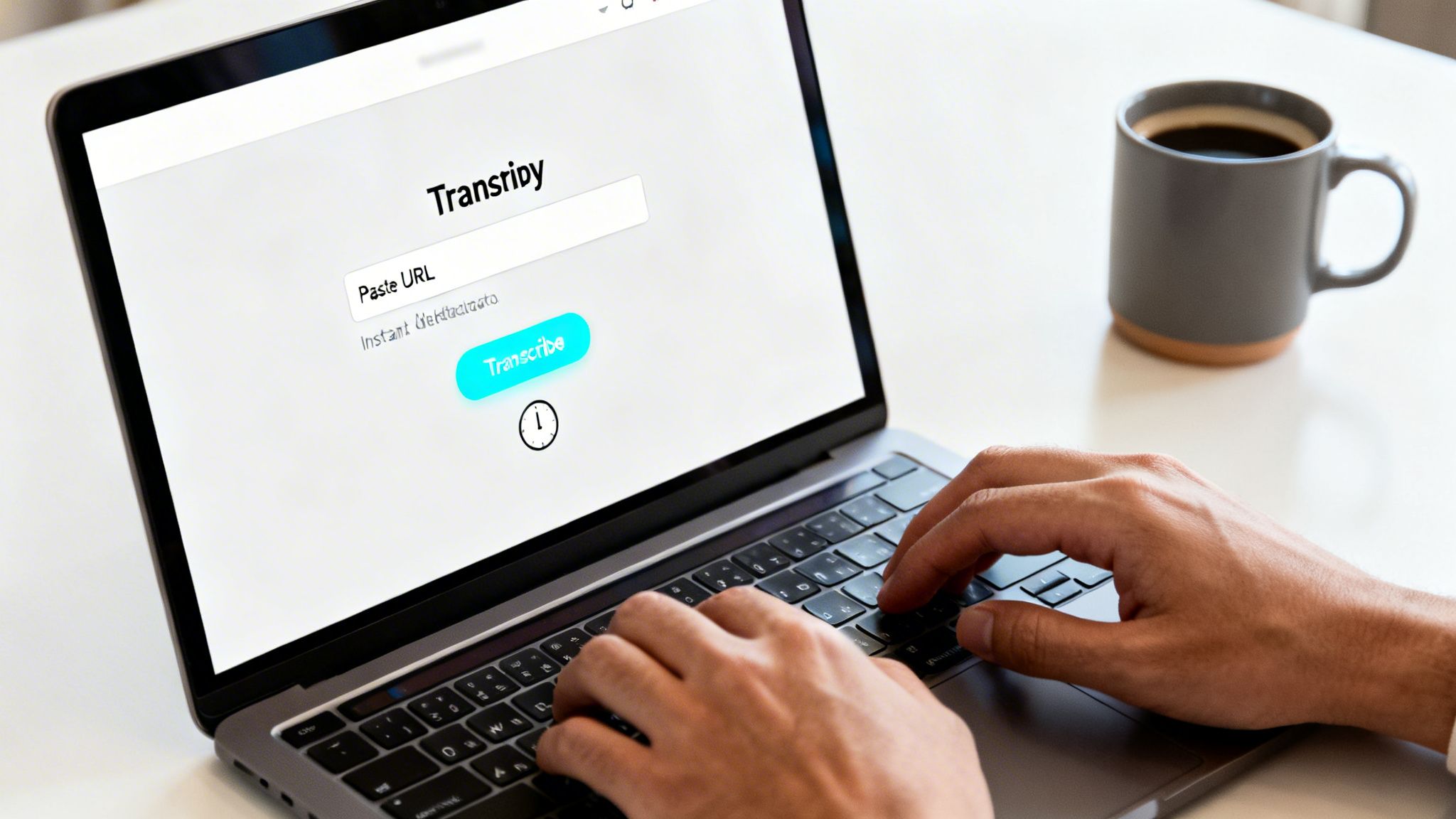
The interface is built for one thing: getting your transcript without any friction.
You just drop the URL into the field and hit the button. The magic happens instantly. Transcriby fetches the video's metadata—the creator, thumbnail, and title—so you can quickly confirm you've grabbed the right one. It's a small touch, but it saves you from accidentally transcribing the wrong video.
From there, you just confirm the language and let the AI do its thing. For most short-form videos, the full, time-stamped text is ready almost immediately.
Pro Tip: Before you start, give the video a quick listen. Is the audio clear? While the AI is incredibly good, it's not a miracle worker. Less background noise always means a more accurate transcript, which saves you cleanup time on the back end.
From Audio to Downloadable Text
Once the AI is done, your complete transcript appears in a clean, readable format. You'll see the full text laid out with precise timestamps, which is a lifesaver when you're creating captions or need to reference a specific moment.
Now, you've got options:
- Copy the text right from the browser for a quick paste into social posts or notes.
- Download a TXT file for a simple, universal document.
- Download a JSON file if you're a developer and need structured data with all the timing details.
This whole workflow—from link to downloadable file—is designed to be seamless. If you want to go even deeper into the art of turning video into text, our guide on how to transcribe video to text covers some more advanced strategies. But at the end of the day, the goal is to empower you to turn spoken words into powerful written assets with just a few clicks.
Turning Transcripts into Viral Content Ideas
A raw transcript is gold, but it's not the finished product. It's the starting line. The real magic happens when you stop looking at it as just text and start seeing it as a blueprint for your next big idea.
This is where you move from just analyzing content to actually creating it. With a tool like Transcriby’s AI Agents, you can systematically break down what makes a video work and apply those same principles to your own content. No more guessing games—just data-driven ideas built on what's already proven to succeed.
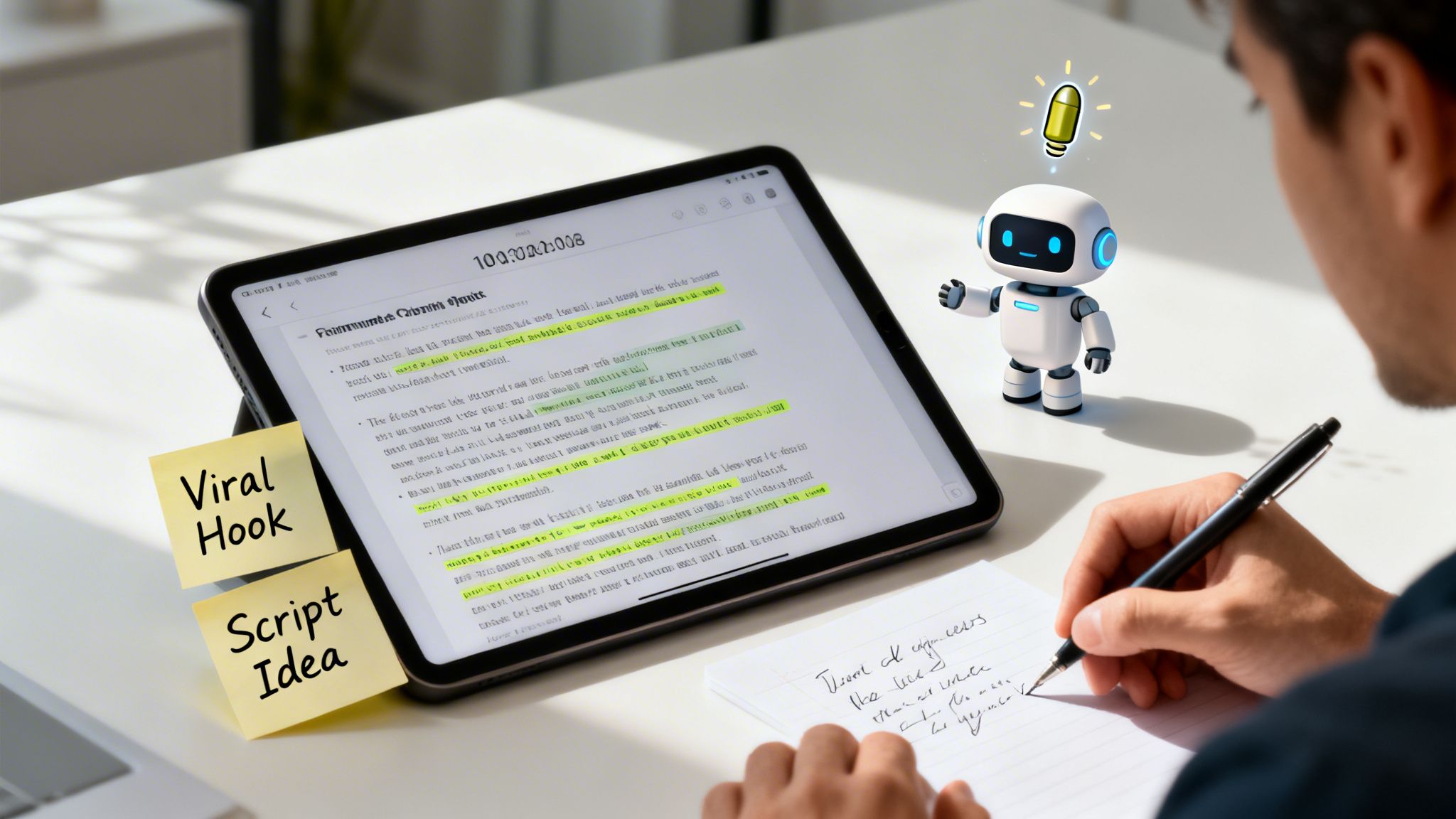
This completely solves the "blank page" problem. You’re never starting from zero. Instead, you're starting with a proven framework pulled directly from a video that already captured attention.
Pinpointing the Perfect Hook
You have about three seconds to stop someone from scrolling. That’s it. A weak hook is a death sentence for your video. The Viral Hook Generator is built to solve this exact problem by digging through a transcript and pulling out the most powerful, scroll-stopping openers.
Think about it. You've just transcribed a competitor's video that pulled in millions of views. The AI can instantly read through that entire script and hand you a list of potential hooks based on the core message.
- It finds compelling questions: "Have you ever wondered why...?"
- It grabs bold statements: "This is the one mistake everyone makes..."
- It highlights relatable pain points: "If you're struggling with X, you need to hear this."
Suddenly, you have a list of tested, attention-grabbing opening lines ready to be adapted for your own video.
From Analysis to Original Script
Once you’ve got a killer hook, you need the rest of the script. This is where a Viral Script Writer comes in. It doesn't just spit back the same words; it understands the structure of the original transcript—the pacing, the emotional beats, the call to action—and adapts it for your topic.
Let's say you're a fitness creator and you've transcribed a viral video about a "7-Day Ab Challenge." Here’s how it works:
- You drop the transcript into the Viral Script Writer.
- You tell it your new topic: a "30-Day Kettlebell Challenge."
- The AI analyzes the original script's flow and generates a completely new, original script for your kettlebell challenge that follows the same winning formula.
This approach closes the gap between inspiration and execution. You're not just copying a trend; you're strategically applying a proven narrative structure to your own unique content, which dramatically boosts its chances of going viral.
By using a tiktok transcript generator this way, you create a repeatable system for coming up with killer content ideas. The insights you get from one successful transcript can fuel dozens of future videos. If you want to dive deeper into this workflow, check out our guide on creating viral video scripts for UGC creators. It's a clear roadmap from plain text to your next viral hit.
Expand Your Reach and Make Your Content Accessible
Let's talk about all the viewers you might be accidentally ignoring. When you generate a transcript for your TikTok, you're doing more than just getting the text—you're laying the groundwork for a much smarter, more inclusive content strategy. This isn't just a "nice-to-have" feature; it's a direct line to higher engagement and tapping into audiences you never knew you had.
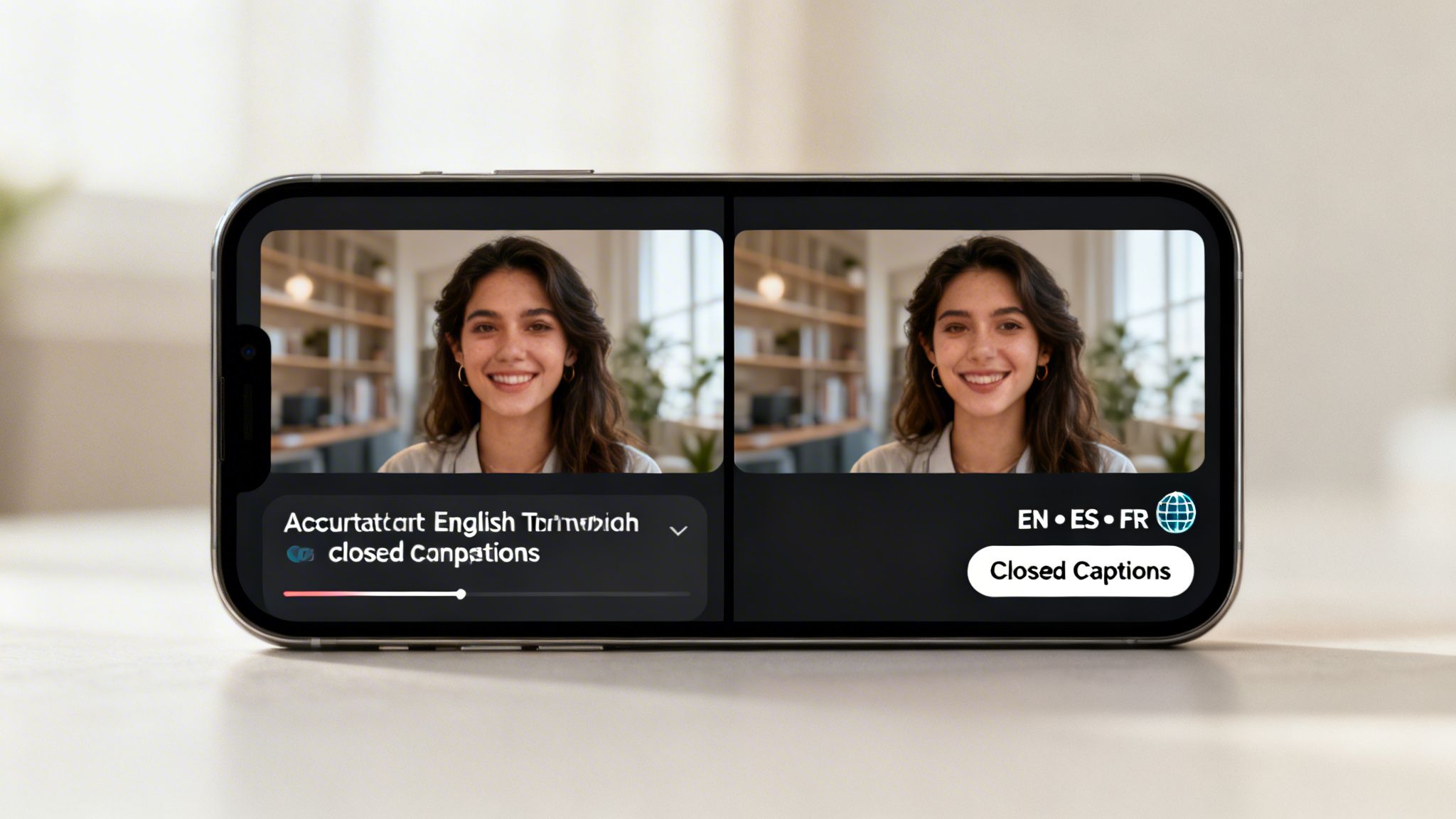
The most obvious win? Accurate closed captions. Your transcript is the perfect script for subtitles, making your videos accessible to the deaf and hard-of-hearing community. This is a huge audience—over 430 million people worldwide have disabling hearing loss. If you skip captions, you're essentially telling a massive group of potential fans that your content isn't for them.
Think Beyond Accessibility: The Sound-Off Majority
But it's not just about the deaf and hard-of-hearing community. Think about how people actually watch videos. They're on a noisy train, in a quiet office, or just scrolling in bed next to a sleeping partner. They're part of the massive "sound-off" majority.
Without captions, they just keep scrolling. With captions, they can follow along, get the joke, and absorb the value. This directly impacts your watch time and engagement. A viewer who can read along is way more likely to finish your video, drop a like, and even leave a comment.
Making your content accessible isn't a chore; it's a growth hack. Captions cater to how people really watch videos, which can give your watch time, engagement, and overall reach a serious boost.
Break Down Language Barriers in a Few Clicks
Your content is too good to be trapped by a single language. TikTok is a global playground, and a transcript is your passport to connect with viewers from all over the world.
Transcriby supports over 57+ languages, which means you can not only get an accurate transcript of your original video but also translate that text for a global audience.
Imagine you’re a creator in the US, and your latest tutorial suddenly starts getting traction in Brazil or Japan. That becomes a reality when you can easily turn your English transcript into Portuguese or Japanese captions.
Here’s how simple that workflow is:
- Get the Original Transcript: First, generate a transcript in the video's original language to ensure it's as accurate as possible.
- Translate the Clean Text: Use an AI tool to translate your transcript into target languages like Spanish, French, or Hindi.
- Create Multilingual Captions: Now you have the text you need to generate subtitle files for each language, making your video instantly understandable to millions of new viewers.
This process turns a single video into a global asset. If you want to dive deeper into this, check out our guide on how to repurpose video content for a wider audience. By making your content understandable to everyone, everywhere, you’re not just being inclusive—you’re maximizing your chances of going viral on a global scale.
Don't Let Your Content Die on the For You Page
The "For You" page is a firework—bright, explosive, but short-lived. It's not a long-term strategy. The real win is when people find your content weeks or even months later through a Google search.
But there's a problem. Search engines are brilliant at reading text, but they’re completely blind to video. They can't watch your TikTok, understand your advice, or see the value you’re providing. This is where your transcript becomes your secret weapon.
By pulling the text from your video, you’re essentially translating it into a language Google understands. You're turning a fleeting moment into an evergreen asset that can pull in organic traffic for years. This simple step transforms one video into a cornerstone for a whole ecosystem of content that establishes you as an authority.
Turn Your Transcript into a Keyword Goldmine
Your raw transcript is already full of the exact words and phrases your audience is searching for. The first move is to quickly scan it and pull out the core themes. Did you just explain a three-step process? Review a new product? Share a personal story with a clear lesson?
Those themes are the pillars for all the content you're about to create.
It’s not about just copying and pasting the text everywhere. The goal is to intelligently adapt it for different platforms to grab the widest possible audience.
Some people will find you by Googling a "how-to" question. Others will stumble upon your video on YouTube. Your transcript is the key that unlocks all those doors.
Putting Your Transcript to Work: Actionable Strategies
Okay, let's get practical. Turning your transcript into valuable content is easier than you think. You just have to consider what each platform is good for. A blog post needs structure, a YouTube description needs keywords, and a tweet needs to be punchy.
Here’s a simple checklist I use to squeeze every last drop of value out of a single video transcript. It’s a framework that gives every video a second, third, and fourth life online.
Content Repurposing Checklist From a Single Transcript
This checklist is a practical guide for taking one transcript and spinning it into multiple pieces of content. It’s how you maximize the return on the time you spent creating that original video.
| Content Format | Platform | Key Action |
|---|---|---|
| Blog Post | Your Website/Blog | Expand on the transcript's key points. Turn the text into H2/H3 headings, flesh out the details, and embed the original TikTok video. This creates a solid, long-form asset that ranks for specific keywords on Google. |
| Detailed YouTube Description | YouTube | Paste a cleaned-up version of your transcript right into the YouTube description. The algorithm feasts on this text to understand your video’s context, helping it show up in search results and recommended videos. |
| Engaging Social Media Updates | X (Twitter), LinkedIn, Facebook | Pull the best 1-3 quotes, stats, or quick tips from the transcript. Turn these nuggets into a series of short, snappy posts that drive traffic back to your video or the new blog post. |
| Email Newsletter Snippet | Your Email List | Grab a compelling paragraph from the transcript and use it as the core of your next newsletter. It provides instant value to your subscribers and nudges them to go watch the full video. |
By running every video through this process, you ensure your content is always working for you, attracting new followers long after the initial buzz has faded.
How to Get a Perfect Transcript Every Single Time
Even the best AI transcription tools benefit from a little prep work. To get the cleanest, most accurate transcript from your TikToks, it all starts with the quality of the original video. The clearer the audio, the better the final text will be.
It's a simple truth: videos with loud background music, a ton of wind noise, or multiple people talking over each other are always going to be tough for an AI to get right. If you have the choice, always start with videos where the speaker’s voice is front and center.
Before You Transcribe: A Quick Checklist
A few seconds of prep before you hit "transcribe" can save you a ton of editing time on the back end. Think of these as setting the AI up for success.
- Check the Language: This sounds obvious, but it’s the most common mistake. Make sure you’ve selected the right language for the video before you start. Transcribing a Spanish video with the language set to English will give you complete gibberish.
- Deal with Messy Audio: If you absolutely have to work with a video that has a lot of background noise, just know that you'll likely see a few small errors. The AI is incredibly good, but it’s not magic. Setting realistic expectations from the start helps.
The golden rule of transcription is simple: garbage in, garbage out. A clean audio source is the single most important factor for getting a near-perfect transcript that’s ready to use with minimal edits.
Choosing the Right Format and Adding a Final Polish
Once Transcriby spits out the text, you’ve got a couple of options for how to download it.
- TXT for Simplicity: A .TXT file is your go-to for anything quick and easy. It's perfect for copying and pasting into a blog post, pulling quotes for social media, or drafting an email.
- JSON for Data-Rich Projects: The .JSON format is for more technical uses. It includes detailed metadata, like word-for-word timestamps. This is what you need if you're a developer or want to create perfectly synced, professional-looking captions.
No matter which format you choose, always give the final text a quick once-over. The AI is usually 99% accurate, but you might need to fix a misspelled brand name or a quirky proper noun. A quick two-minute scan is all it takes to turn a great transcript into a flawless one.
Got questions? You're not alone. When you're diving into transcription, a few things always come up. Here are the straight-up answers to what people ask most.
Just How Accurate Is This Thing, Really?
I get it—you’re worried an AI is going to spit out a bunch of nonsense. But modern tools like Transcriby are shockingly good, often hitting 95% accuracy or higher on videos with clean audio.
The biggest factor is always the source video. If the person is speaking clearly and not trying to shout over a loud, trending sound, you’ll get a transcript that’s practically perfect. The AI is smart enough to handle different accents and speaking styles, but heavy slang or two people talking at once can trip it up a bit. For most content, you'll barely need to touch the output.
Can I Use This for YouTube Shorts and Instagram Reels, Too?
Yep, 100%. Even though we’ve been talking a lot about TikTok, a flexible tool like Transcriby is built to handle pretty much any short-form video you throw at it.
The process is exactly the same. Grab the URL from a YouTube Short or an Instagram Reel, paste it in, and it'll pull the audio and generate the text just like it does with a TikTok. Think of it as your one-stop shop for all your short-form video transcription.
What's the Deal with TXT vs. JSON Files?
Choosing your download format really just comes down to what you plan to do with the text. Here’s the simple breakdown:
- TXT Format: This is your classic, no-frills text file. It’s perfect if you just want to read the transcript, copy-paste it into a blog post, or quickly repurpose it for social media captions. Clean and simple.
- JSON Format: This one's for the more technical folks. A JSON file gives you the text plus all the behind-the-scenes data, like super-precise timestamps for every single word. It’s what you’d use if you’re a developer or plugging the transcript into another software that needs exact timing.
Ready to stop guessing and start putting your video content to work? Transcriby is the fastest, most accurate way to get transcripts from TikTok, YouTube Shorts, and Instagram Reels. Turn your videos into assets you can actually use. Get started today at https://www.transcriby.io.