Your Guide to Fast and Accurate YouTube Video Transcription
So, you've poured hours into creating a killer YouTube video. You've filmed, edited, and hit publish. Job done, right?
Not even close. That video isn't just a video—it's a goldmine of raw material. And the key to unlocking all that potential is turning its audio into text.
Why YouTube Video Transcription Is No Longer Optional
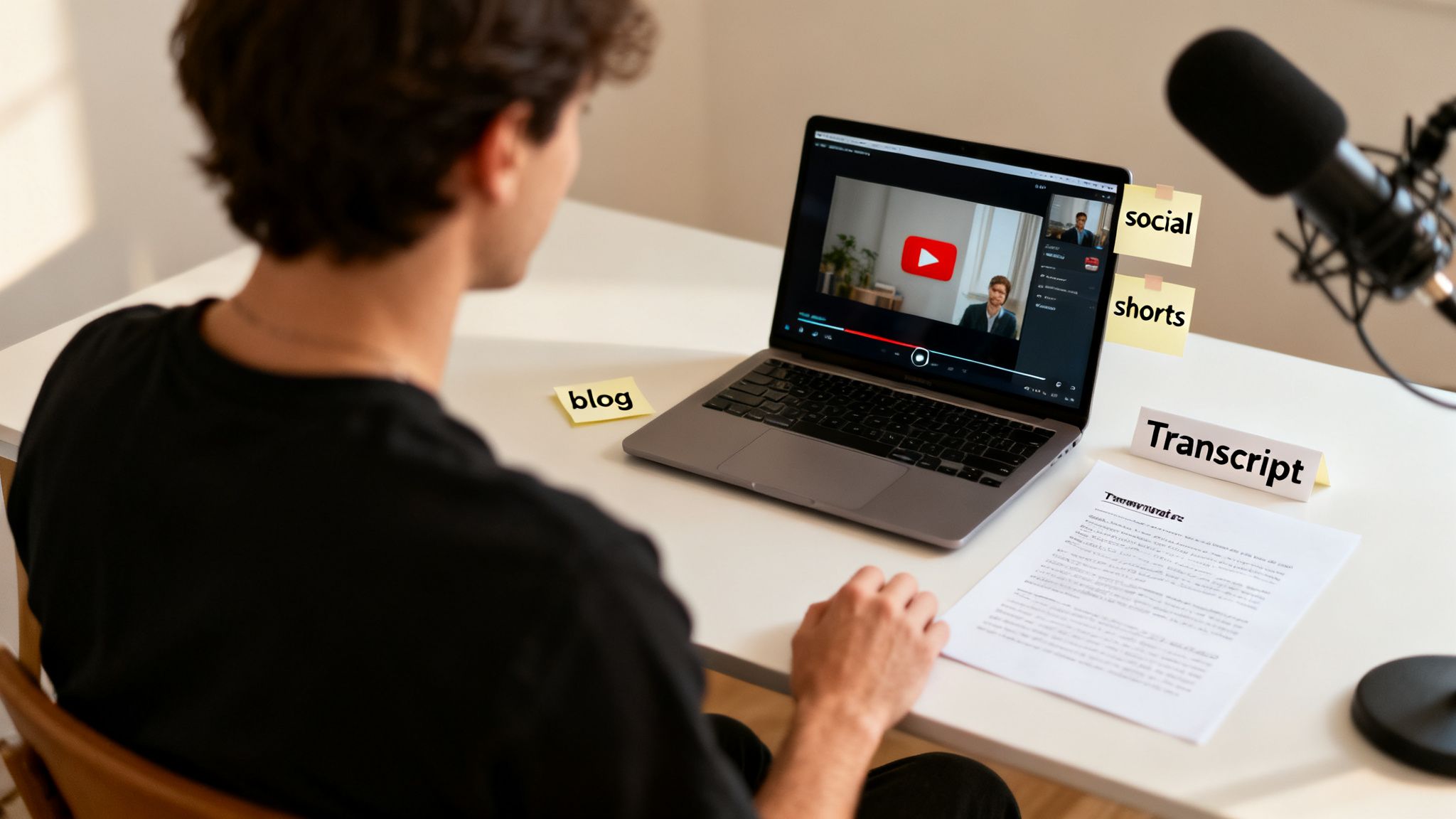
What started as a simple accessibility feature has exploded into a core engine for content growth. Smart creators don't just see a single video anymore. They see the foundation for blog posts, social media updates, email newsletters, and a dozen other assets.
This guide is your roadmap to mastering YouTube video transcription. We're going to skip the fluff and get straight to building an efficient workflow that turns your spoken words into a content-generating machine.
From Dialogue to Digital Assets
Think of it like this: transcription is about multiplication. A single 10-minute video can easily fuel an entire week's worth of content. Once you have the text, you can instantly scan for the best hooks, the most compelling stories, and the key takeaways from your recording.
A transcript isn't just a record of what was said; it's a blueprint for what you can create next. It allows you to find the strongest parts of your message and share them everywhere.
This raw text is incredibly versatile. You can copy and paste quotes for social media graphics, build out talking points for a detailed newsletter, or structure the entire dialogue into a long-form article. (We’ll dive into the specific tactics for this later on). For more ideas on blowing up your content library, check out some of the other guides on the Transcriby blog.
Boost Accessibility and Viewer Experience
Beyond the world of content repurposing, transcription serves a critical human function. It throws the doors open to a much wider audience.
- Viewers with Hearing Impairments: It starts here. Accurate captions, born from a clean transcript, are non-negotiable for the deaf and hard-of-hearing community to engage with your content.
- Sound-Off Viewing: Think about how many people watch videos on their phones in public. A huge percentage of social video is consumed in silence. Transcripts let you create burned-in captions, ensuring your message lands even when the volume is off.
- Breaking Language Barriers: A clean English transcript is your passport to a global audience. It's the essential first step before you can even think about translating your content into other languages.
We're about to compare the different ways to get this done—from YouTube’s own built-in tools to powerful AI services like Transcriby—so you can pick the right tool for the job.
Using YouTube's Built-In Transcription Tool
Before you start looking at third-party apps, it's worth knowing what YouTube offers for free. The platform has its own built-in tool that can automatically generate a transcript for most videos, giving you a quick and dirty starting point for your youtube video transcription. For personal use or just grabbing a quick quote, it's a decent first stop.
Getting to it is simple. Just head to any video, look below the description, and click the three dots (...) to open a menu. If the creator has it enabled, you'll see an option for "Show transcript." Clicking that pops open a full dialogue panel right next to the video.
Here’s a look at where you'll find it on the page. Once you click, you get the entire transcript, ready to go.
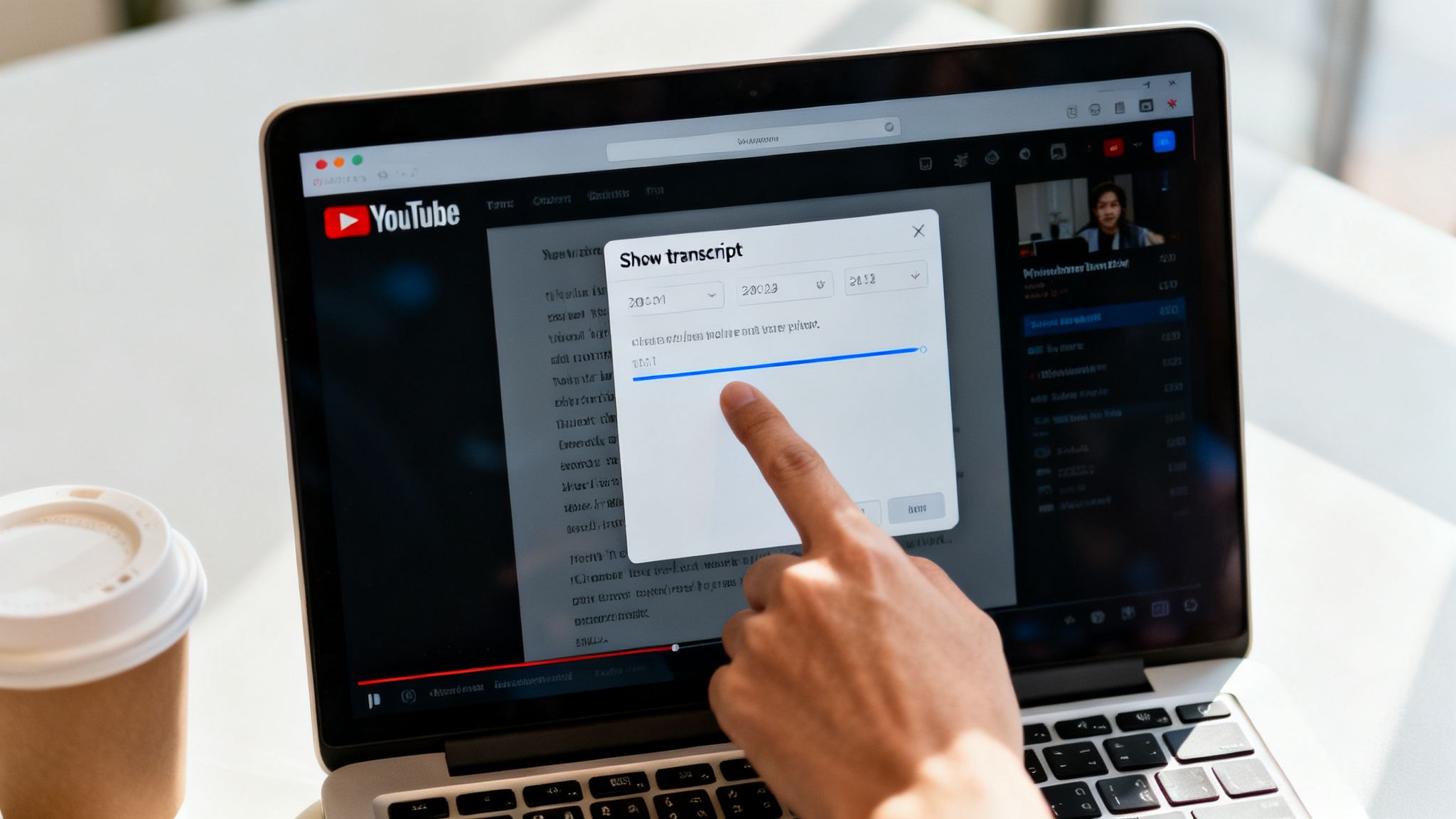
This panel is pretty slick for following along. You can click any line of text, and the video will jump right to that moment.
How to Use the Native Transcript
Once the transcript panel is open, you have a couple of handy options. At the top of the panel, another three-dot menu lets you toggle the timestamps on or off. Turning them off is great when you just want a clean block of text to copy and paste into a document for editing or repurposing.
The entire text is selectable, so highlighting what you need is a breeze. I find this method works best for things like:
- Quickly finding a specific quote you remember from a video without scrubbing through the timeline.
- Grabbing a few paragraphs to use as a launchpad for a social media post.
- Skimming the content of a long video to see if it's worth watching.
But—and this is a big but—this convenience comes with some serious trade-offs. You really need to be aware of them before you rely on this for any professional work.
While YouTube's free tool is great for a quick look, its limitations in accuracy and formatting become a real headache when you need a clean, reliable transcript for content creation or accessibility.
Understanding Its Limitations
Look, the free tool is a solid starting point, but it's far from perfect. The quality of the youtube video transcription can be all over the place, depending on audio clarity, accents, and any background noise. It regularly trips over names, technical jargon, and basic punctuation, leaving you with a messy text that needs a ton of manual cleanup.
Here are the main drawbacks you'll run into:
- Inconsistent Accuracy: The automated system can easily mishear words, creating confusing or nonsensical sentences that you'll have to go back and fix by hand.
- No Speaker Labels: If there are multiple people talking, the transcript just mashes all the dialogue together. Good luck trying to follow a conversation.
- Time-Consuming Cleanup: The total lack of formatting and punctuation means you’ll spend a ton of time fixing the text before it’s usable for something like a blog post or professional captions.
These limitations make it clear that while YouTube's tool is a nice-to-have feature, it often creates more manual work than it saves for serious creators and marketers.
AI Transcription: From "Good Enough" to Genuinely Great
Sure, YouTube's built-in tool gets you a basic transcript. It’s a start. But if you’re serious about your content, dedicated AI transcription services are where the real work gets done. This is the jump from a handy gadget to a professional-grade tool.
For anyone creating content for a living, the time you get back is incredible. Forget spending an hour fixing weird punctuation and misunderstood words. Modern AI tools can hit 95% accuracy or better, effortlessly handling different accents, background noise, and tricky terminology.
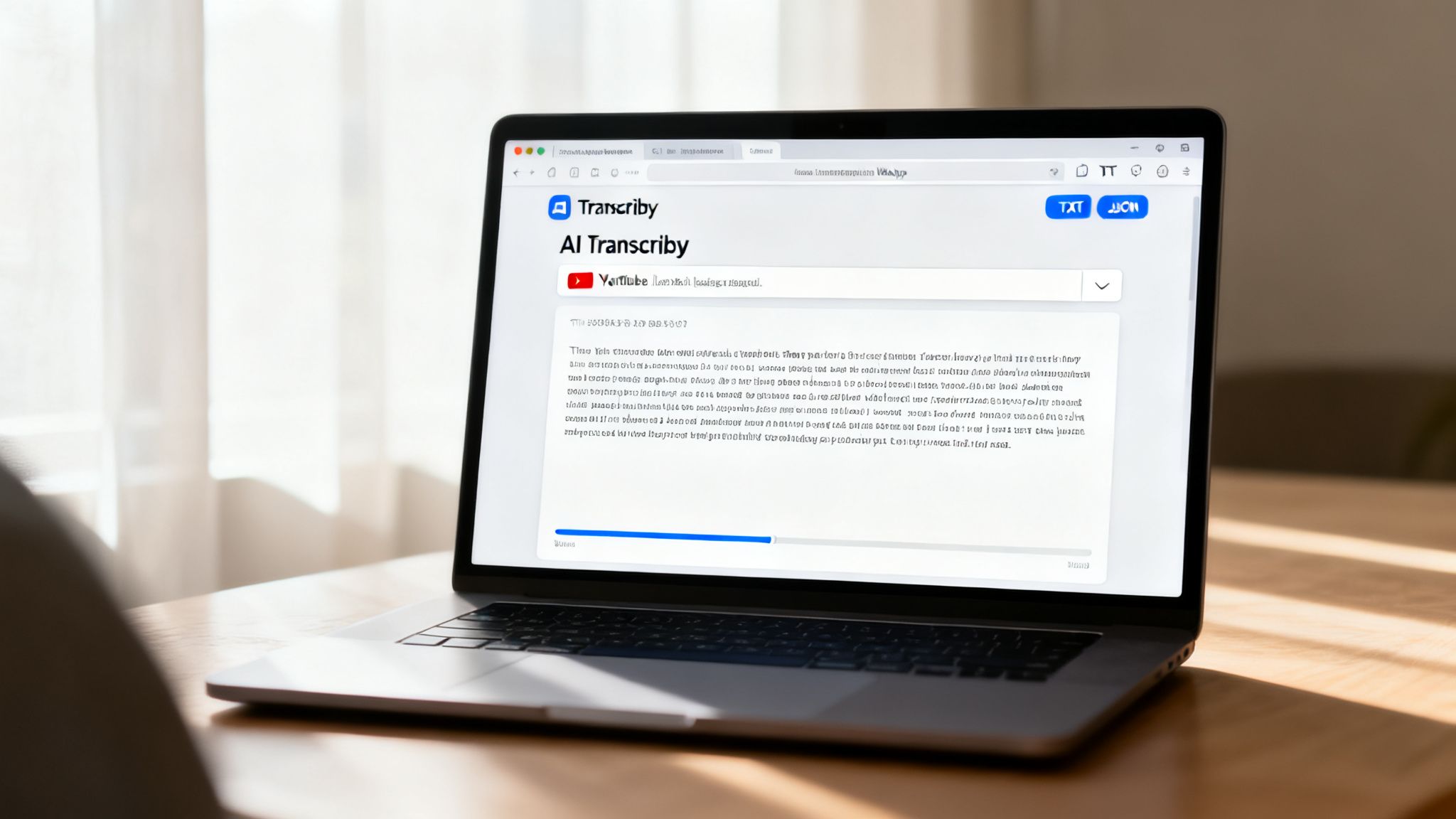
That accuracy is everything. When your transcript is the starting point for a blog post, social media quotes, or your video’s captions, you can’t afford to build on a shaky foundation.
The AI Workflow: Simple and Insanely Fast
Using a tool like Transcriby feels almost like cheating. It cuts out all the tedious steps and gets you from video to text in under a minute.
Here’s how quick it is:
- You paste the link. Grab the URL from YouTube, TikTok, or Instagram.
- The AI gets to work. It pulls the audio, processes it, and adds all the punctuation and paragraph breaks for you.
- You download the file. Seconds later, you have a clean, time-stamped transcript ready to go.
That’s it. No more copying messy text blocks, no more manually adding timestamps. You get a clean document you can actually use right away.
The real win with AI transcription isn't just speed—it's getting a clean, structured file. Accurate timestamps and proper formatting eliminate the most painful part of the job: the cleanup.
Why Your Download Format Changes Everything
This might seem like a minor detail, but choosing your output format is a huge advantage of dedicated AI tools. You’re no longer stuck with a raw text dump inside your browser.
Instead, you get files that are ready for any workflow:
- TXT Files: Think of a plain text file as your Swiss Army knife. It’s simple, light, and works everywhere. You can drop it straight into a WordPress editor, a Google Doc, or your social media scheduler. It’s the perfect starting point for any kind of content repurposing.
- JSON Files: This is the power move for developers or teams with automated systems. A JSON file gives you the transcript as structured data—every word and its exact start and end time. This lets you build custom tools, automate video editing workflows, or feed the data into other applications.
This flexibility turns a simple youtube video transcription into a valuable asset. If you want to dive deeper, we have another guide that explains exactly how to transcribe video to text with different workflows in mind.
Taking Your Content Global
Beyond just speed and clean formatting, top-tier AI services crush it with multi-language support. While YouTube’s auto-captions can handle other languages, dedicated tools are often trained on much broader datasets, giving you way better accuracy across the board.
When a service supports 50+ languages, you can instantly unlock new audiences around the world. Transcribe your video in its original language, and you'll have a perfect, clean source text ready for translation. It's the first step in taking your content international and reaching new markets without a mountain of manual work.
Turning Transcripts Into High-Value Content Assets
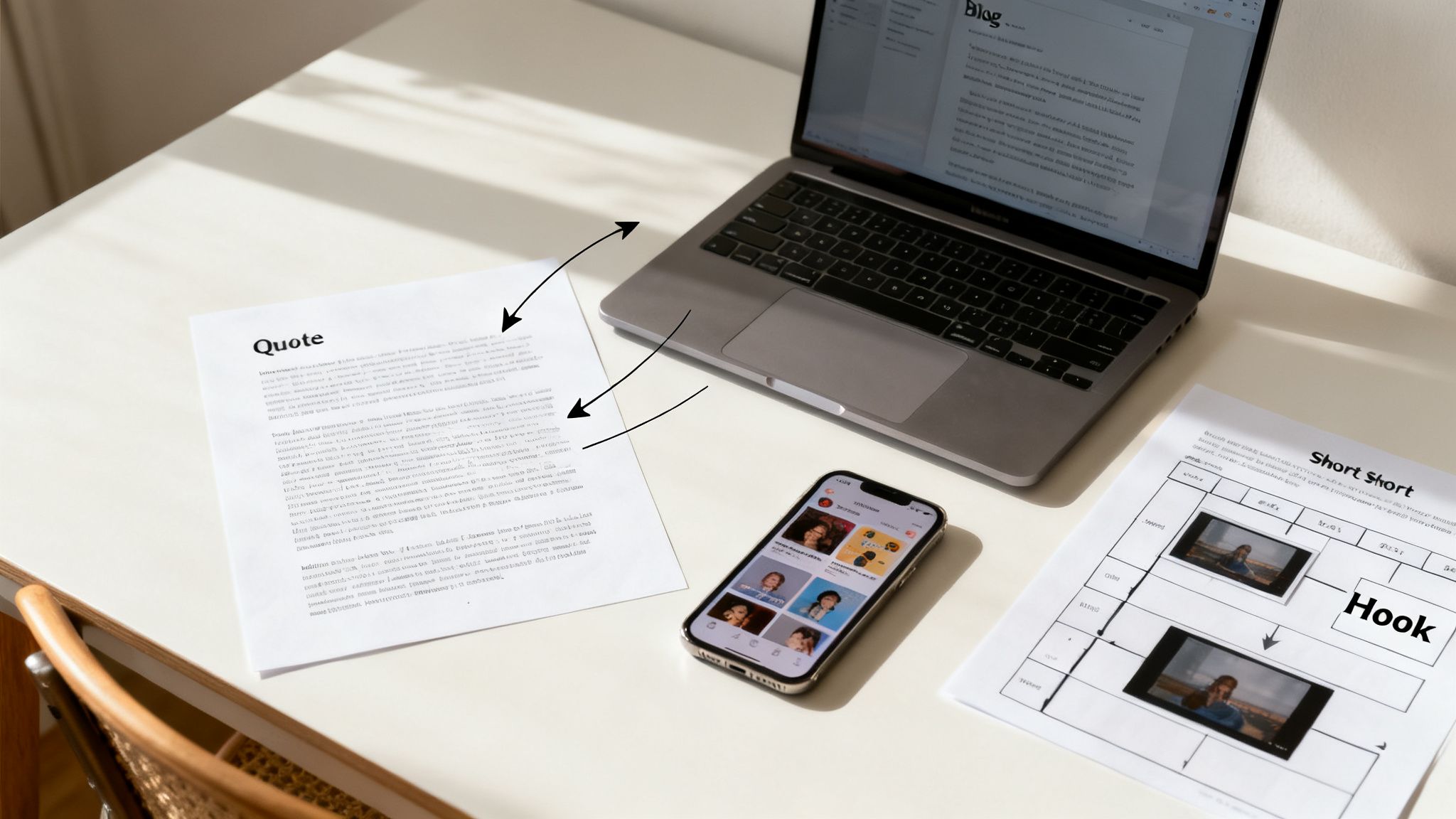
A clean, accurate transcript isn't just a text file. It's the raw material for a content engine.
Once you have the full dialogue from your video, you unlock a ton of opportunities to reach new audiences on different platforms—all without filming a single new frame. This is how smart creators multiply their output without actually multiplying their workload.
The most powerful move? Turning your video’s dialogue into a full-fledged, SEO-optimized blog post. This one strategy puts your content in front of a completely new audience: the billions of people using Google to find answers every single day.
From Spoken Word to Search Engine Gold
A video script is basically a conversation, which makes it a perfect starting point for a blog post. With a clean transcript in hand, you can quickly add headings, pull out bullet points, and drop in images to structure the content for readers. The dialogue provides the core substance; you just need to polish it up.
Think about it: a 15-minute video reviewing a new software tool can easily become a detailed 2,000-word article that ranks for keywords the original video might never capture.
Search engines are brilliant at indexing text. A blog post built from your youtube video transcription gives them exactly what they need to understand your content and show it to the right people. It gives your video a second life, capturing traffic from people who prefer to read or are actively searching for what you're talking about.
To see just how far you can take this, check out our guide on how to repurpose video content for even more advanced strategies.
Mine Your Transcript for Social Media Hooks
Your transcript is also a goldmine of bite-sized content perfect for social media. Instead of trying to dream up new post ideas from scratch, just scan the text you already have. You’ll be shocked by how many killer snippets are hiding in plain sight.
Keep an eye out for these content gems:
- Powerful Quotes: Pull out the one or two sentences that nail your main point. These are perfect for text-based posts or shareable graphics on Instagram and X (formerly Twitter).
- Actionable Tips: Did you list a series of steps or tips in the video? Each one of those can be its own carousel post or a standalone short video idea.
- Provocative Questions: Pinpoint any questions you asked in your video. Posing those same questions directly to your social media audience is a simple, effective way to spark engagement.
Think of your transcript as a script for your entire social media calendar. A single video can easily provide enough raw material for a week's worth of high-quality posts, all perfectly aligned with your core message.
This approach keeps your messaging consistent across all your channels. A follower who sees your quote on Instagram is way more likely to click through and watch the full video on YouTube because the idea is already familiar and compelling. It creates a seamless content ecosystem where every piece supports the others.
The table below breaks down a few ways you can put this into practice to hit specific growth goals.
Content Growth Strategies Using Transcripts
| Growth Goal | Actionable Tactic with Transcript | Primary Platform |
|---|---|---|
| Increase SEO Traffic | Convert the full transcript into a keyword-optimized blog post with internal links. | Website / Blog |
| Boost Social Engagement | Pull out 3-5 key quotes and turn them into shareable image graphics. | Instagram, X, LinkedIn |
| Drive Email Sign-ups | Summarize the top 5 takeaways from the transcript into a lead magnet PDF. | Landing Page / Email |
| Grow Short-Form Channels | Identify 3 "hot take" moments and script them into 15-second videos. | TikTok, Reels, Shorts |
| Build Community | Find a thought-provoking question from the transcript and post it as a poll. | Community Tab, Facebook |
By starting with the transcript, you're ensuring every piece of content you create is rooted in the valuable information you've already produced.
Deconstruct Virality for Your Next Short Form Video
For creators grinding on YouTube Shorts, TikTok, or Reels, transcripts are a secret weapon for competitive analysis. You can grab the transcript of a competitor’s viral video and instantly see what makes it work.
Analyze the first three seconds to find the hook. Look for patterns in their storytelling. Pinpoint the exact call to action they used.
This isn’t about copying; it’s about deconstruction. Once you understand the underlying structure of what’s already resonating with viewers, you can apply those same principles to your own ideas. A clean transcript makes it easy to map out the narrative of a successful short and build your own original script on a proven framework.
Broaden Your Reach: Accessibility and Global Audiences
A clean YouTube video transcription does way more than just feed your content machine. It fundamentally changes who can connect with your work. It's about opening the door to everyone, no matter their ability or where they're watching from.
First and foremost, this is about serving the deaf and hard-of-hearing community. Accurate captions aren’t just a nice-to-have; they’re a commitment to making sure your message lands with everyone. A precise, time-stamped transcript is the only way to create perfect closed captions (usually as an .SRT file), making your videos completely understandable without sound.
But it’s not just about that. Think of all the people watching on public transport, in a quiet office, or late at night. Good captions let them tune in without ever touching the volume button.
Unlock Your Global Potential
Beyond accessibility, a solid transcript is your passport to international growth. You can't even think about translating your content until you have a flawless source text in its original language. That clean transcript is the starting point for creating subtitles in Spanish, Hindi, German, or any other language, instantly multiplying your potential audience.
This is an absolute game-changer for short-form video. The global scale of platforms like YouTube Shorts is mind-boggling. Back in 2022-2023, Shorts hit 2 billion monthly logged-in users, with daily views rocketing past 70 billion.
Today, with over 70% of watch time happening on mobile and huge viewership from countries like India and South Korea, it’s obvious the audience is everywhere. A simple transcription and translation workflow unlocks this massive viewer base for your channel. You can get more details on the global performance of YouTube Shorts from Statista.
Think of your English transcript as the master key. Once you have it, you can unlock dozens of linguistic doors, allowing your content to resonate with audiences you could never have reached otherwise.
Ultimately, putting a little effort into your transcription workflow is about removing barriers. You remove them for people with hearing impairments, for viewers who can't use sound, and for international audiences who don’t speak your language. Every barrier you take down widens your reach and deepens your impact.
Your Top YouTube Transcription Questions, Answered
If you're diving into the world of YouTube video transcription, you've probably got a few questions. Whether you're trying to streamline your workflow or just figuring out where to start, getting straight answers can save you a ton of headaches. Let's tackle some of the most common ones we hear.
Just How Accurate Is AI Transcription, Really?
Modern AI transcription tools have gotten scary good, often hitting 95-99% accuracy. But there's a catch: that's under ideal conditions. Think crystal-clear audio, one person speaking, and zero background noise.
The accuracy can take a hit when you throw in heavy accents, people talking over each other, or a bunch of technical jargon.
Services like Transcriby are built on advanced models trained on massive amounts of data to cut down on those errors, making them way more reliable than the free captions YouTube spits out. Still, a pro tip is to always give the final text a quick proofread. You'll want to catch any small slip-ups, especially with names or industry-specific terms.
Can I Transcribe a Video That Isn't Mine?
Yep, you absolutely can. Any public YouTube video is fair game. Transcription tools, from YouTube's own feature to specialized services, just need the video's URL to access its public audio stream.
This is a game-changer for so many people:
- Researchers can analyze public speeches or interviews.
- Marketers can break down what makes a competitor's content tick.
- Creators can deconstruct a viral video to understand its structure and pacing.
Just a quick heads-up on the legal side: always respect copyright. Using a transcript for your own notes or analysis is usually fine, but don't go republishing big chunks of someone else's work without permission. That's a fast track to a copyright strike.
What's the Real Difference Between a Transcript and Captions?
This one trips a lot of people up, but it's pretty simple once you see the difference.
A transcript is just the text—a plain .TXT file with all the words spoken in the video. Think of it as the raw material. It's perfect for reading, searching for keywords, or turning a video into a blog post.
Closed captions (CC), on the other hand, are built for the video player. They come in special formats (like .SRT) that include timestamps for every single line. This is what allows the text to pop up on screen at the exact moment the words are spoken.
A great transcript is the foundation for creating accurate captions, but they serve two very different purposes.
Ready to stop wrestling with messy text and start creating content faster? Transcriby turns any YouTube, TikTok, or Instagram video into a clean, accurate transcript in seconds. Paste a link and get started for free.