The 12 Best Free Video To Text Converter Tools In 2026
Content is king, but efficiency is the power behind the throne. For creators, social media managers, and marketers, video reigns supreme as the most engaging medium. However, the valuable text locked inside that video content often goes untapped because manual transcription is a tedious, time-consuming process that stifles creativity and slows down production. This is precisely the problem a high-quality free video to text converter solves.
These powerful tools are designed to automatically transform spoken words into searchable, editable, and highly repurposable text. This simple conversion unlocks a massive range of possibilities for your content. You can instantly generate accurate captions to improve accessibility and viewer retention, boost your SEO with keyword-rich transcripts, or effortlessly draft show notes, blog posts, and social media updates derived directly from your video. A good converter fundamentally changes your workflow, allowing you to work smarter, not harder.
This guide dives straight into the best options available. We have analyzed the top 12 free and freemium platforms to help you find the perfect fit for your specific needs. Each entry includes a direct link, key feature analysis, and honest limitations so you can make an informed choice and start converting your video to text immediately.
1. Transcriby
Best For: Rapid short-form video transcription and viral content ideation.
Transcriby emerges as a premier free video to text converter designed with the modern creator in mind. It excels by focusing on a specific, high-demand niche: transcribing short-form videos from public URLs on platforms like YouTube Shorts, TikTok, and Instagram Reels. Its workflow is incredibly streamlined. Users simply paste a video link, and the platform delivers a clean, time-stamped transcript in under a minute, a speed that few competitors can match for this content type.
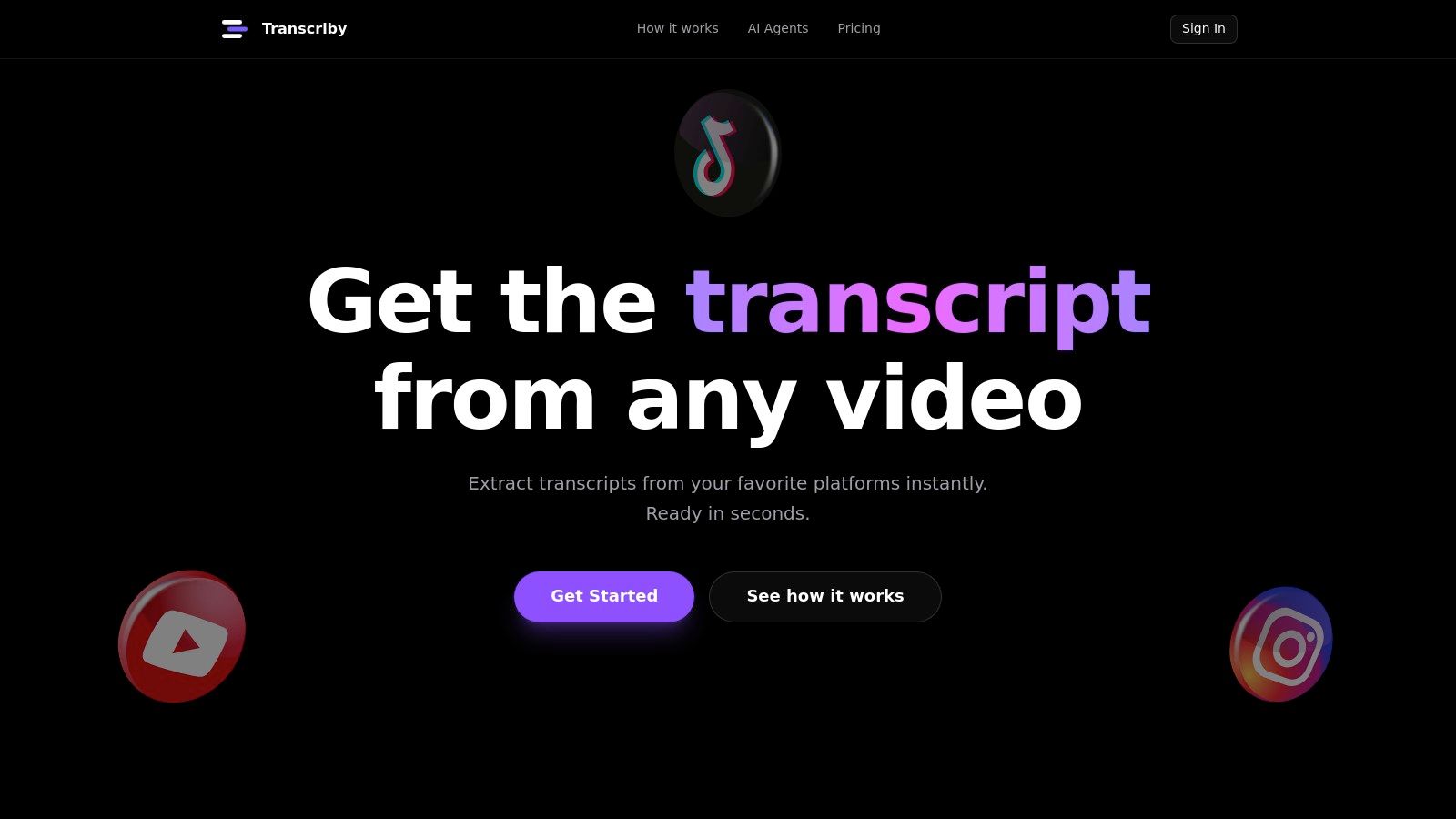
What truly sets Transcriby apart are its integrated AI Agents (currently in beta). These tools go beyond simple transcription, acting as a creative partner for social media managers and growth strategists. The agents can generate viral hooks, rewrite scripts based on proven formats, and even explain the potential virality of a clip. This unique feature set transforms a simple transcript into a powerful tool for content repurposing, SEO, and audience growth. For a deeper dive into the technical process, the team explains how to transcribe a video to text in a detailed guide.
Key Features & Analysis
- URL-Based Transcription: The ability to process public short-form video links directly saves significant time by eliminating the need to download and upload files.
- AI Virality Agents (Beta): Includes a Viral Hook Generator, Viral Script Writer, and Virality Explainer. This is a standout offering that provides actionable creative suggestions, helping users ideate and produce content faster.
- Multiple Export Formats: Transcripts are available in plain text (TXT) for easy copy-pasting and JSON for integration into automated workflows or applications, adding a layer of technical flexibility.
- Broad Language Support: With support for over 57 languages, it’s a versatile tool for global content creators and accessibility teams.
Pricing & Limitations
Transcriby offers a straightforward pricing structure. New users receive a one-time free trial with 10 minutes of transcription credit. For heavy users, the Pro plan is affordably priced at $8.99 per month, providing unlimited transcripts and priority support.
The primary limitation is its focus on public, short-form videos; it does not support long-form content uploads or private videos. Additionally, while the AI is powerful, transcript accuracy can vary depending on audio clarity, accents, and background noise.
Website: https://www.transcriby.io
2. Descript
Descript stands out as more than just a free video to text converter; it's a full-fledged collaborative audio and video editor built around its transcription engine. Its core innovation is "text-based video editing," which allows you to edit your video or audio by simply editing the automatically generated transcript. Deleting a word in the text removes the corresponding clip from the timeline, making it incredibly intuitive for creators who are more comfortable with documents than complex video software.
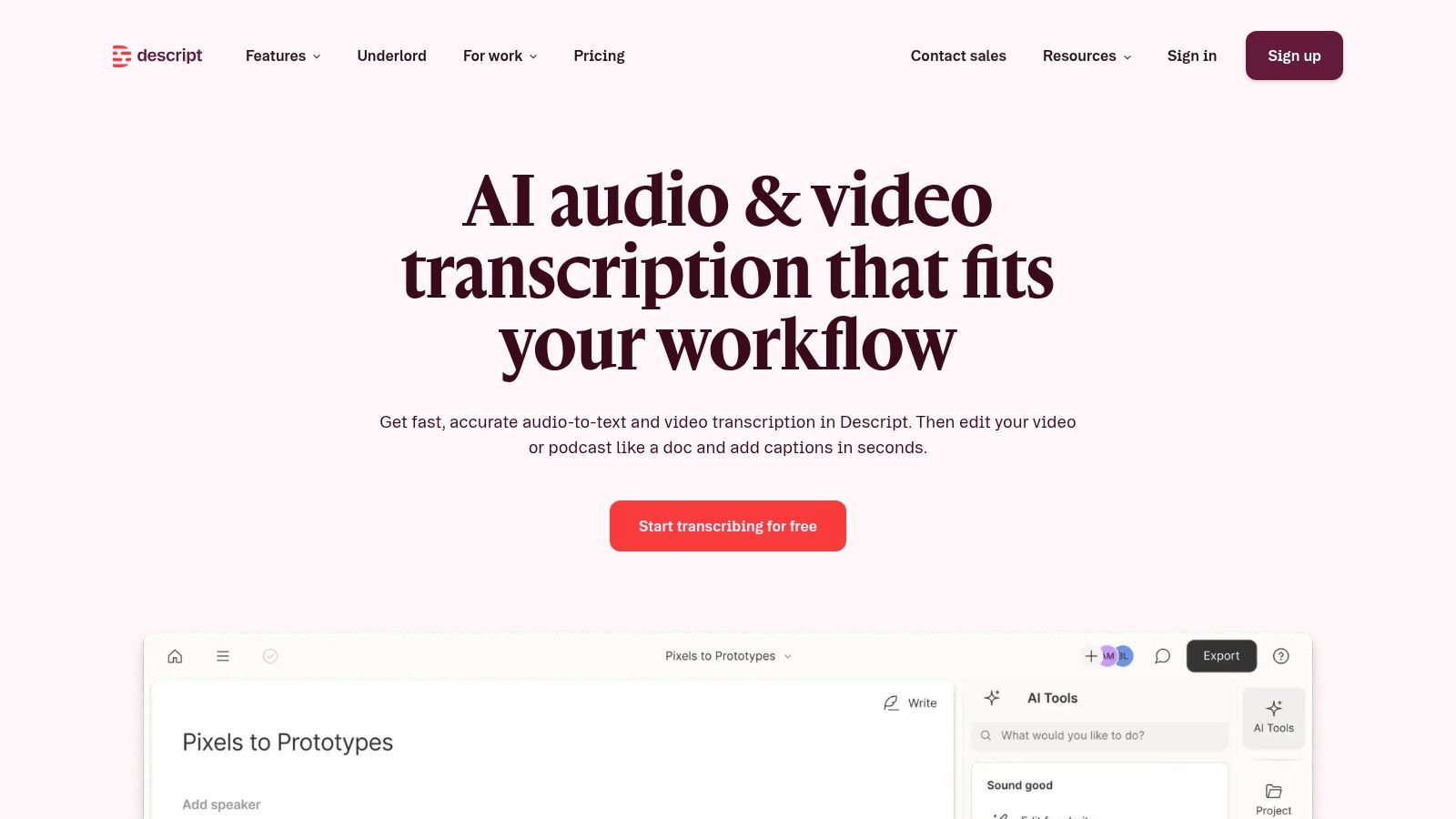
The platform is ideal for podcasters and video creators who want an all-in-one tool for recording, transcribing, editing, and creating shareable clips. Descript's free plan provides one hour of transcription per month, which is a great way to test its powerful workflow. For those focused on a specific platform like YouTube, understanding the nuances of transcription can significantly improve a video's reach; you can explore advanced techniques for YouTube video transcription to maximize SEO and accessibility.
Key Features & Limitations:
- Use Cases: Best for text-based video editing, podcast production, and creating social media captions.
- Transcription: Supports 25+ languages with high accuracy.
- Editing: Edit video by editing text, with speaker labels and timestamp controls.
- Exports: SRT, VTT, and TXT for subtitles and raw text.
- Free Plan: Includes 1 hour of transcription per month. Advanced features like AI voices and Studio Sound are limited.
3. Kapwing
Kapwing positions itself as a streamlined, web-based video editor with a strong focus on fast, accessible subtitling. It's a fantastic free video to text converter for creators who need to quickly generate subtitles for short-form content like TikToks, Reels, and YouTube Shorts. The platform's core strength is its simplicity; you can upload a video, auto-generate captions, make quick edits, and export a subtitled video or transcript file within minutes, all from your browser.
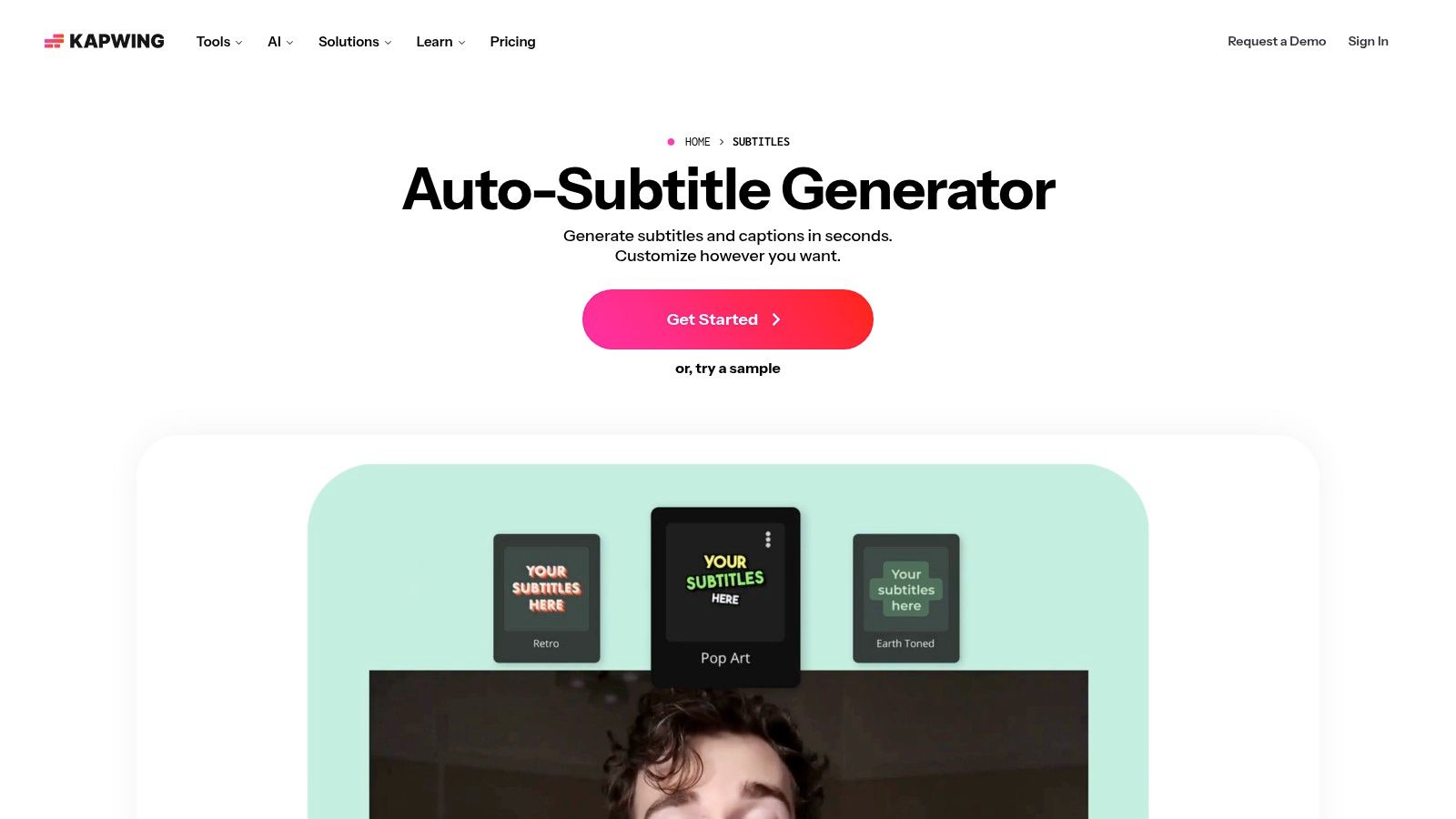
This tool is ideal for social media managers and content marketers who need to produce accessible videos at a rapid pace. The ability to download a transcript as a TXT file also provides a straightforward way to repurpose video content into blog posts, quotes, or show notes. While the free plan is limited, its clear credit-based system (1 credit per minute of transcription) makes it easy to understand exactly what you get without a subscription.
Key Features & Limitations:
- Use Cases: Best for generating auto-subtitles for social media, quick transcript downloads, and basic video editing.
- Transcription: Fast auto-subtitle generator with an easy-to-use editor for corrections.
- Editing: Web-based editor allows for styling subtitles and making basic video cuts.
- Exports: SRT, VTT, and TXT formats are available for download.
- Free Plan: Includes 10 lifetime credits (about 10 minutes of transcription). Free video exports have a Kapwing watermark.
4. VEED.IO
VEED.IO positions itself as an intuitive, browser-based video editor where its free video to text converter is a core feature. The platform is designed for creators who need to quickly add captions, make light edits, and export content without downloading complex software. Its main appeal lies in the seamless integration of transcription directly into the editing timeline, allowing users to auto-generate subtitles, correct them on the fly, and even translate them into different languages within the same interface.
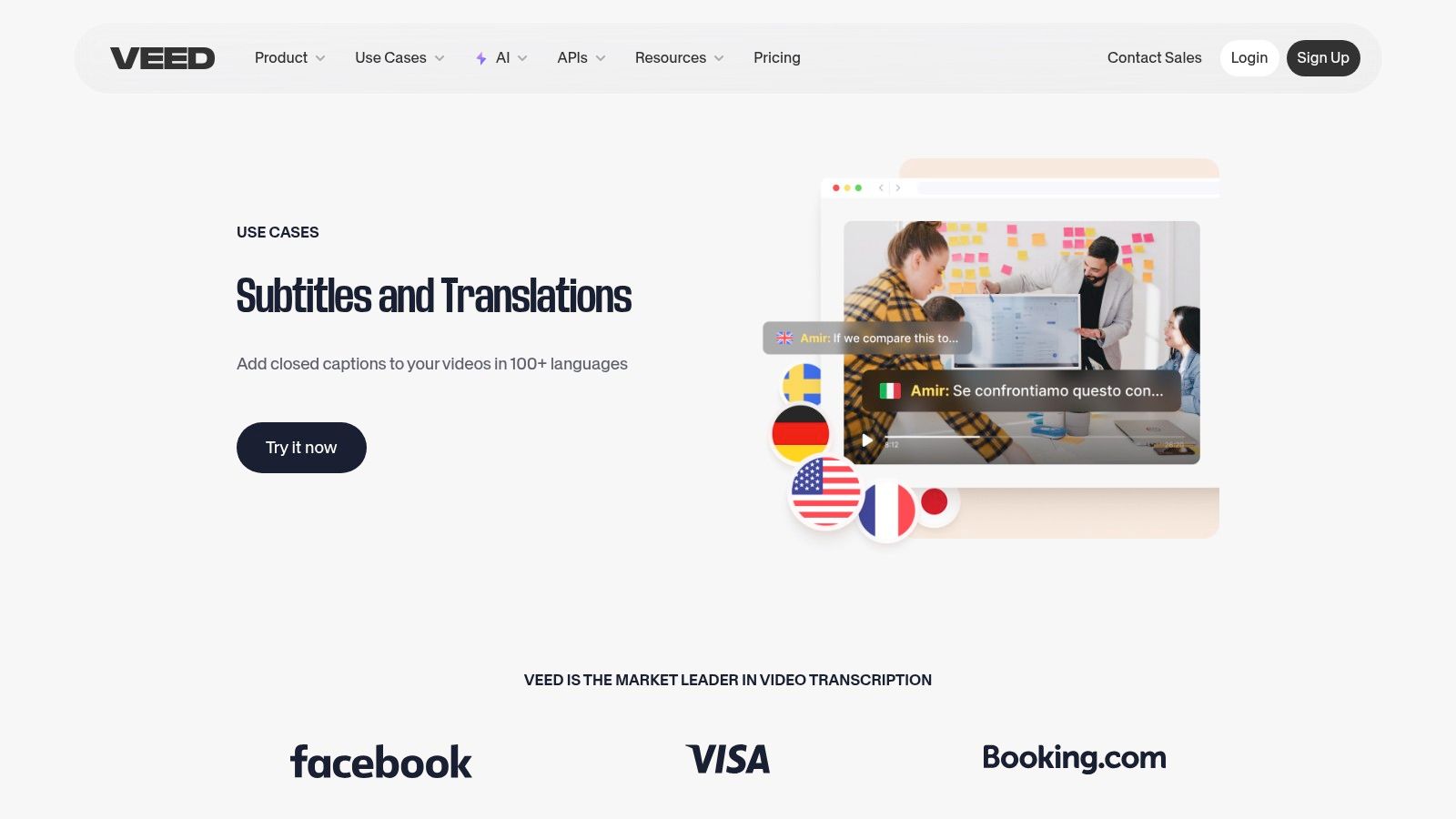
This web-first workflow makes VEED.IO ideal for social media managers and content creators who need a fast turnaround for subtitled videos. The ability to make quick fixes to the transcript and immediately see the results on the video preview simplifies the captioning process significantly. While powerful, the free plan is best suited for short projects due to its usage limits and the inclusion of a watermark on exported videos.
Key Features & Limitations:
- Use Cases: Best for quick social media captioning, light video editing, and subtitle translation.
- Transcription: Auto-generates subtitles with in-editor correction tools.
- Editing: A simple, web-based video editor is integrated with the transcription feature.
- Exports: Supports SRT and VTT formats for captions.
- Free Plan: Includes 10 minutes of transcription per month, with watermarked video exports and limited access to advanced features.
5. Microsoft Clipchamp
Microsoft Clipchamp is a user-friendly, web-based video editor that includes a powerful and genuinely free video to text converter as a core feature. Its strength lies in its simplicity and integration within the Microsoft ecosystem, making it an excellent starting point for Windows users or those with a Microsoft 365 subscription. The platform is designed for straightforward video editing tasks, and its auto-captioning tool is a standout function that allows users to generate subtitles without hidden costs.
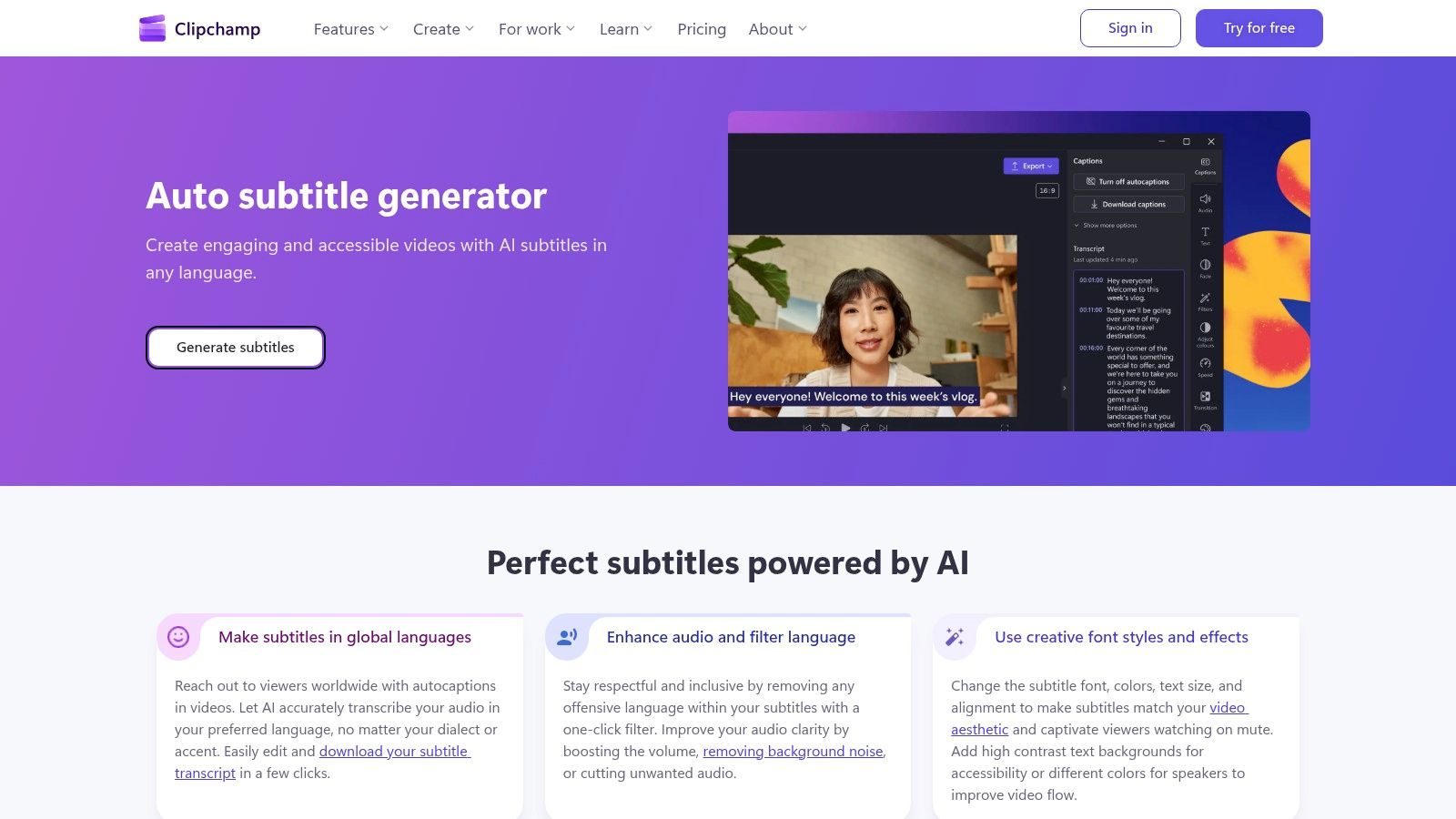
Unlike many competitors that limit exports behind a paywall, Clipchamp lets you generate an editable transcript and download the corresponding SRT file completely for free. This makes it an ideal choice for creators who primarily need to produce subtitle files for accessibility or SEO purposes without committing to a paid plan. While the editor itself is less complex than professional-grade software, its automatic captioning is a reliable tool for anyone needing a no-cost SRT export solution. The processing can sometimes be slow for longer videos, but the value is undeniable.
Key Features & Limitations:
- Use Cases: Best for creating social media video captions, basic video editing, and generating free SRT files for any platform.
- Transcription: Automatic captioning supports dozens of languages.
- Editing: Full transcript is editable with timestamps, and changes sync with the video preview.
- Exports: SRT is the primary subtitle export format, alongside the final edited video.
- Free Plan: Includes unlimited watermark-free exports and access to the auto-captioning feature with no stated length limits.
6. Rev
Rev is a well-established name in the transcription industry, known primarily for its high-quality, human-powered services. However, it also offers an automated transcription service that serves as an excellent free video to text converter for those needing top-tier accuracy. The platform provides a seamless workflow, allowing users to start with a fast AI-generated transcript and easily upgrade to a human-perfected version if needed, all within the same interface.
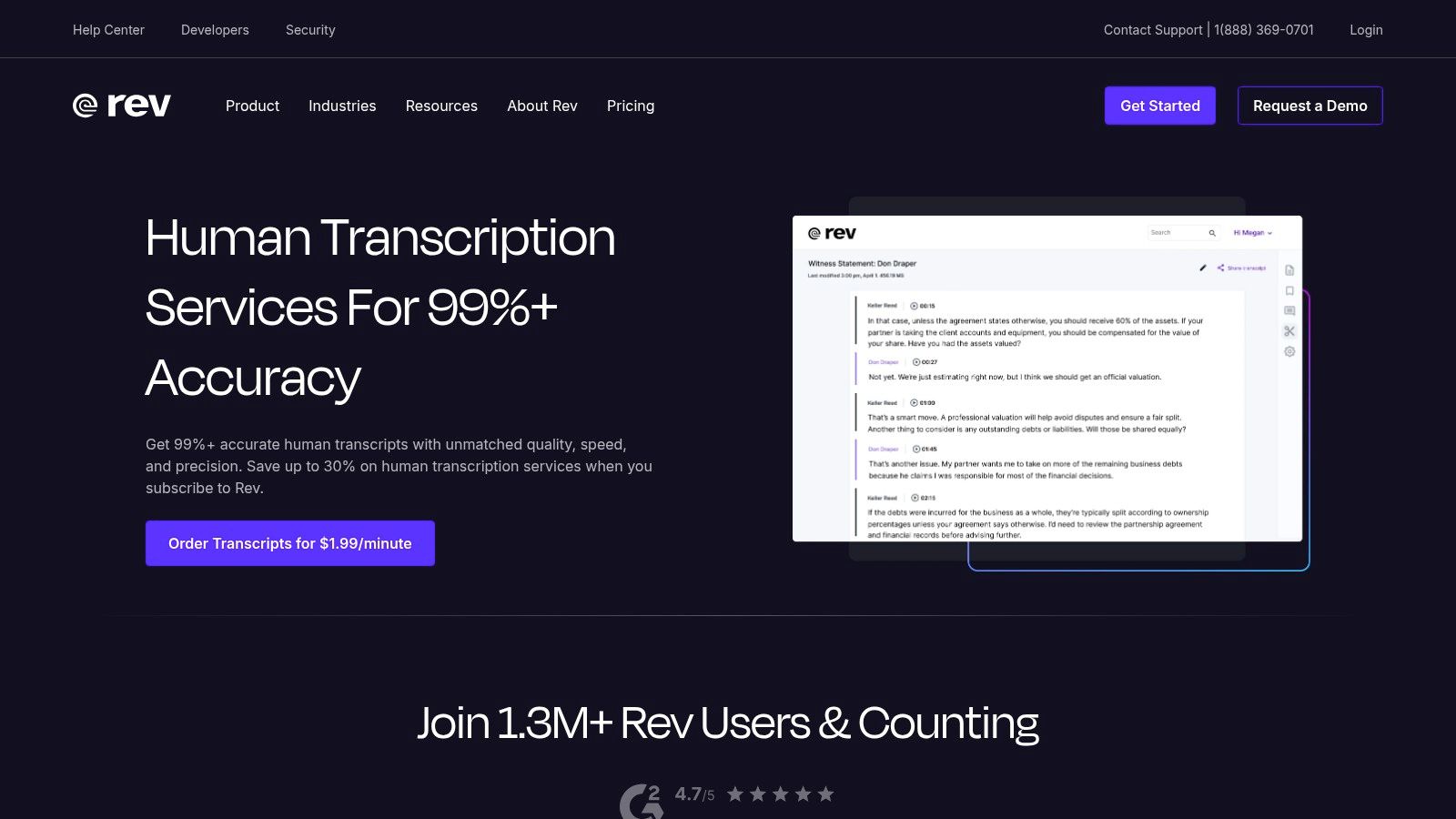
This makes Rev ideal for professionals and businesses who might need a quick, free draft for internal use but require a guaranteed 99% accurate transcript for public-facing content, legal proceedings, or critical research. Its interactive editor allows for easy cleanup of the AI transcript, and the simple export options for captions (SRT) and plain text (TXT) make it a versatile tool. While the free offering is promotional and may change, it provides a great entry point to a professional-grade service.
Key Features & Limitations:
- Use Cases: Best for users needing a reliable AI transcript with a simple, integrated path to professional human review.
- Transcription: High-accuracy automated transcription with a 99% accuracy guarantee on human services.
- Editing: An interactive editor to review and correct the AI-generated text.
- Exports: Supports SRT, VTT, and TXT formats for easy integration into video editors or documents.
- Free Plan: Includes 10 minutes of free automated transcription for new users. The main service is paid.
7. Sonix
Sonix is a professional-grade automated transcription service known for its speed and accuracy, making it a powerful free video to text converter for those who need reliable outputs. The platform is engineered to process audio and video files quickly, delivering a detailed transcript complete with word-level timestamps and clear speaker labeling. This precision is ideal for journalists, researchers, and video editors who require a meticulously documented text version of their media for analysis or editing.
Its clean interface allows users to easily review and edit the AI-generated text, ensuring the final document is polished. Sonix offers a generous 30-minute free trial without requiring a credit card, providing a risk-free opportunity to test its capabilities on a real project. This trial is sufficient for transcribing a short interview, a podcast segment, or a few social media videos to evaluate its workflow and export options before committing to a paid plan.
Key Features & Limitations:
- Use Cases: Best for academic research, journalistic interviews, and professional video production workflows.
- Transcription: Supports 40+ languages with high accuracy.
- Editing: In-browser editor with word-level timestamps and speaker identification.
- Exports: DOCX, TXT, PDF, SRT, and VTT for flexible use.
- Free Plan: Includes a 30-minute free trial. Continued use requires a subscription or pay-as-you-go plan.
8. Trint
Trint is a powerful, browser-based transcription platform designed for professional teams and content creators who require high accuracy and collaborative workflows. While not a permanently free video to text converter, it excels in providing a robust environment for journalists, researchers, and production teams to turn audio and video into searchable, editable, and shareable content. Its intuitive editor links the text directly to the video, allowing for seamless verification and editing.
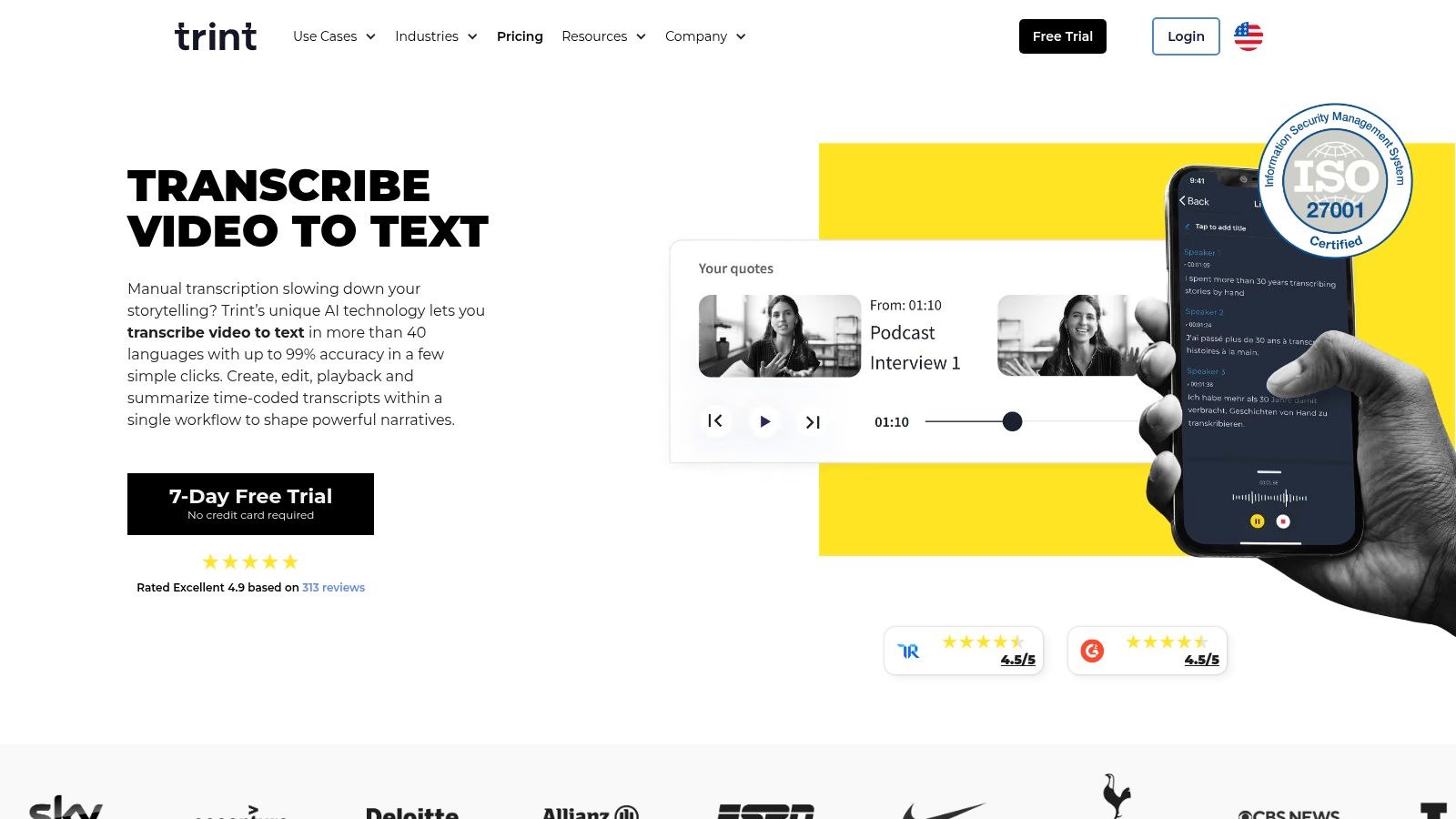
The platform's main appeal lies in its collaboration features, which allow multiple users to review, comment on, and approve transcripts in real-time. This makes it ideal for environments where accuracy and speed are critical. Trint offers a 7-day free trial that provides a great opportunity to test its full suite of features and assess its workflow before committing to a paid plan. This trial period is key for teams to validate its utility for their specific needs without any initial investment.
Key Features & Limitations:
- Use Cases: Best for journalistic interviews, academic research, and collaborative production team workflows.
- Transcription: Supports 40+ languages with strong accuracy and speaker identification.
- Editing: Interactive editor for easy correction, highlighting, and commenting.
- Exports: Exports to various formats, including Word, SRT, and VTT.
- Free Plan: Offers a 7-day free trial to test all features. Continued use requires a paid subscription.
9. Happy Scribe
Happy Scribe is a robust AI-driven transcription service that balances automation with human oversight. It excels in multilingual support, offering high-accuracy transcription and subtitling across more than 60 languages. The platform is designed for professionals and teams who need reliable outputs and offers integrations with platforms like YouTube, Vimeo, and various cloud storage providers, streamlining the workflow for content creators who manage assets across multiple services.
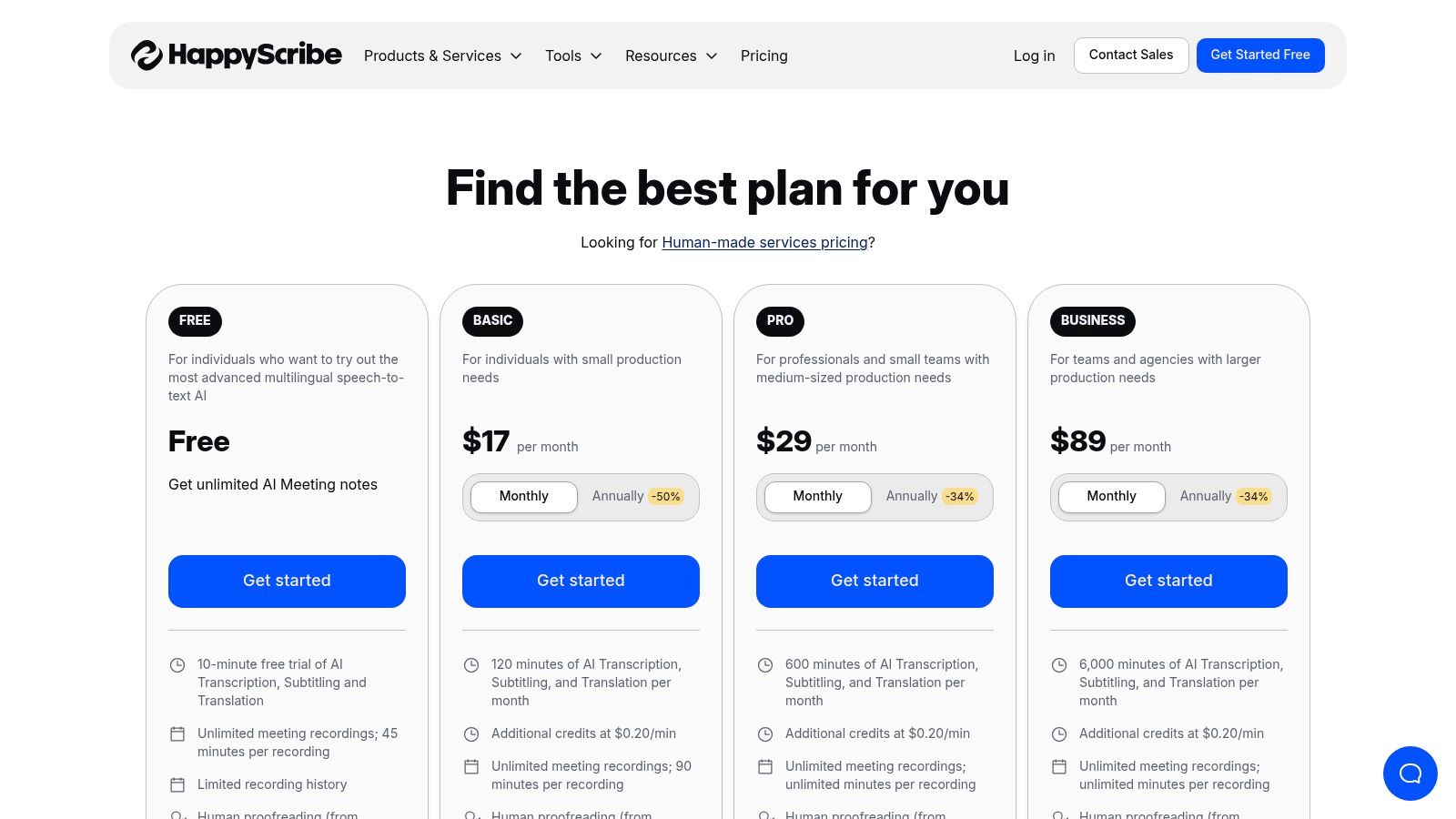
While its primary offerings are paid, Happy Scribe provides a brief free trial, allowing users to test its accuracy and features before committing. This makes it a great option for those evaluating different tools for a specific project. The clear, per-minute pricing beyond the trial is straightforward, avoiding complex subscription models. Its hybrid model, combining AI speed with optional human proofreading, ensures a high-quality final product for professional use cases.
Key Features & Limitations:
- Use Cases: Best for multilingual projects, professional subtitling, and teams needing workflow integrations.
- Transcription: AI transcription in 60+ languages with speaker detection and an interactive editor.
- Human Proofreading: Optional service for near-perfect accuracy.
- Exports: Supports DOCX, TXT, SRT, and MP4.
- Free Plan: Includes a short trial with a few free minutes. Some exports may be watermarked.
10. Notta
Notta positions itself as a powerful meeting assistant and a versatile, free video to text converter available across web and mobile platforms. It excels at transcribing both live meetings and uploaded media files, making it a go-to tool for professionals and students who need to capture discussions or convert short video clips into text. Its integrations with platforms like Zoom, Google Meet, and Microsoft Teams allow for seamless transcription of virtual calls, automatically generating organized notes with speaker identification.
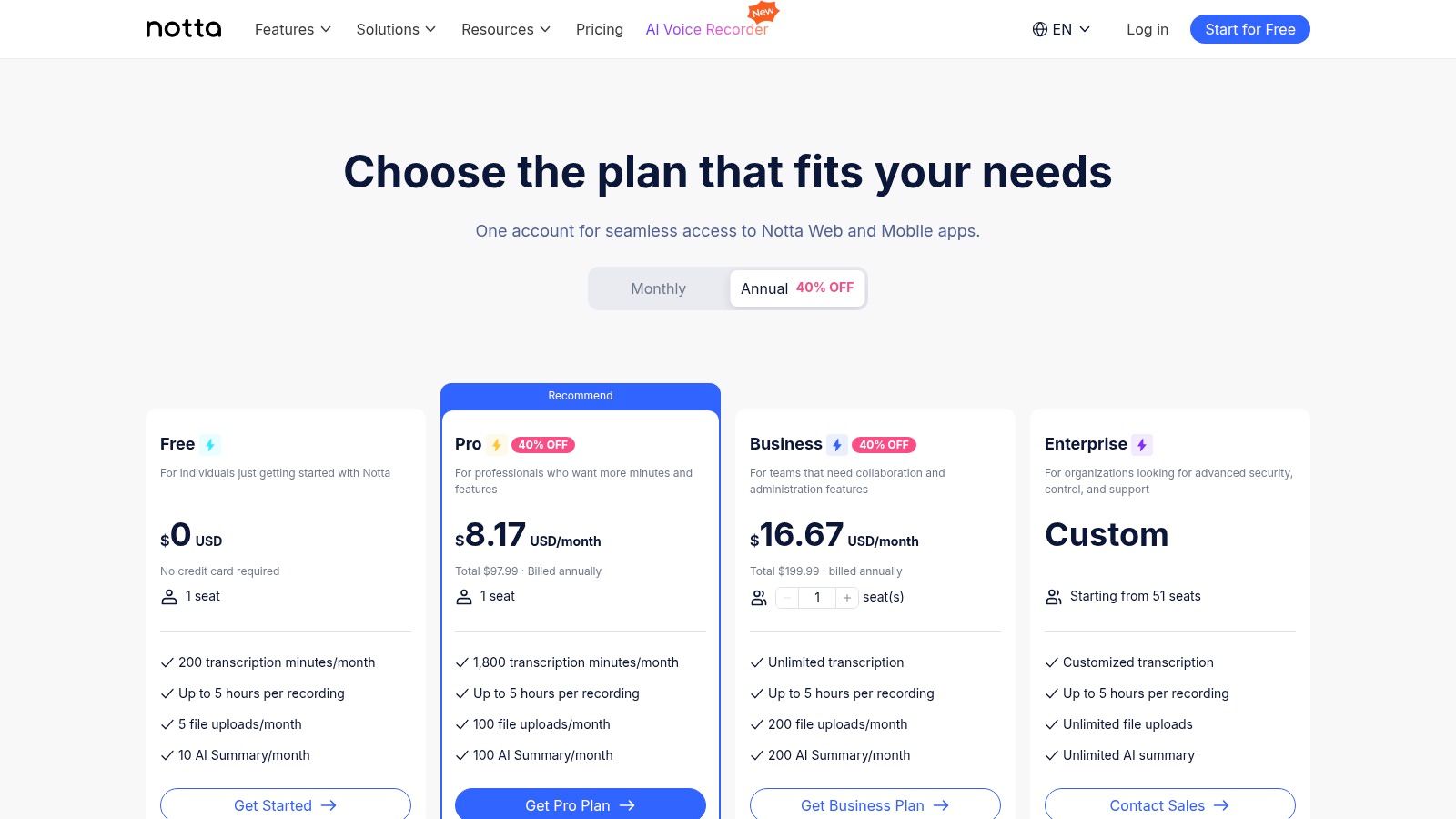
The platform is particularly useful for those who work across multiple devices and need their transcriptions synced and accessible everywhere. Notta's AI Summary feature is a standout, condensing long transcripts into concise overviews, action items, and key takeaways, saving significant review time. While its free plan is generous in total minutes, the per-file limit makes it best suited for short-form content or breaking longer videos into smaller segments.
Key Features & Limitations:
- Use Cases: Best for transcribing online meetings, converting short video clips, and generating AI-powered summaries.
- Transcription: Supports 104 languages with real-time and file-based transcription.
- Editing: Interactive editor to correct text, add notes, and assign speaker labels.
- Exports: TXT, DOCX, SRT, and PDF formats are available.
- Free Plan: Includes 120 minutes of transcription per month, but with a strict 3-minute limit per recording/upload. Integrations are included.
11. Otter.ai
Otter.ai is widely known as a real-time transcription service for meetings, but it also functions as a free video to text converter with some significant limitations. It's designed to capture spoken words during live conversations and automatically identify different speakers, making it an excellent tool for transcribing interviews, lectures, and team meetings. While its primary focus isn't video file processing, its powerful transcription engine can be leveraged for this purpose.
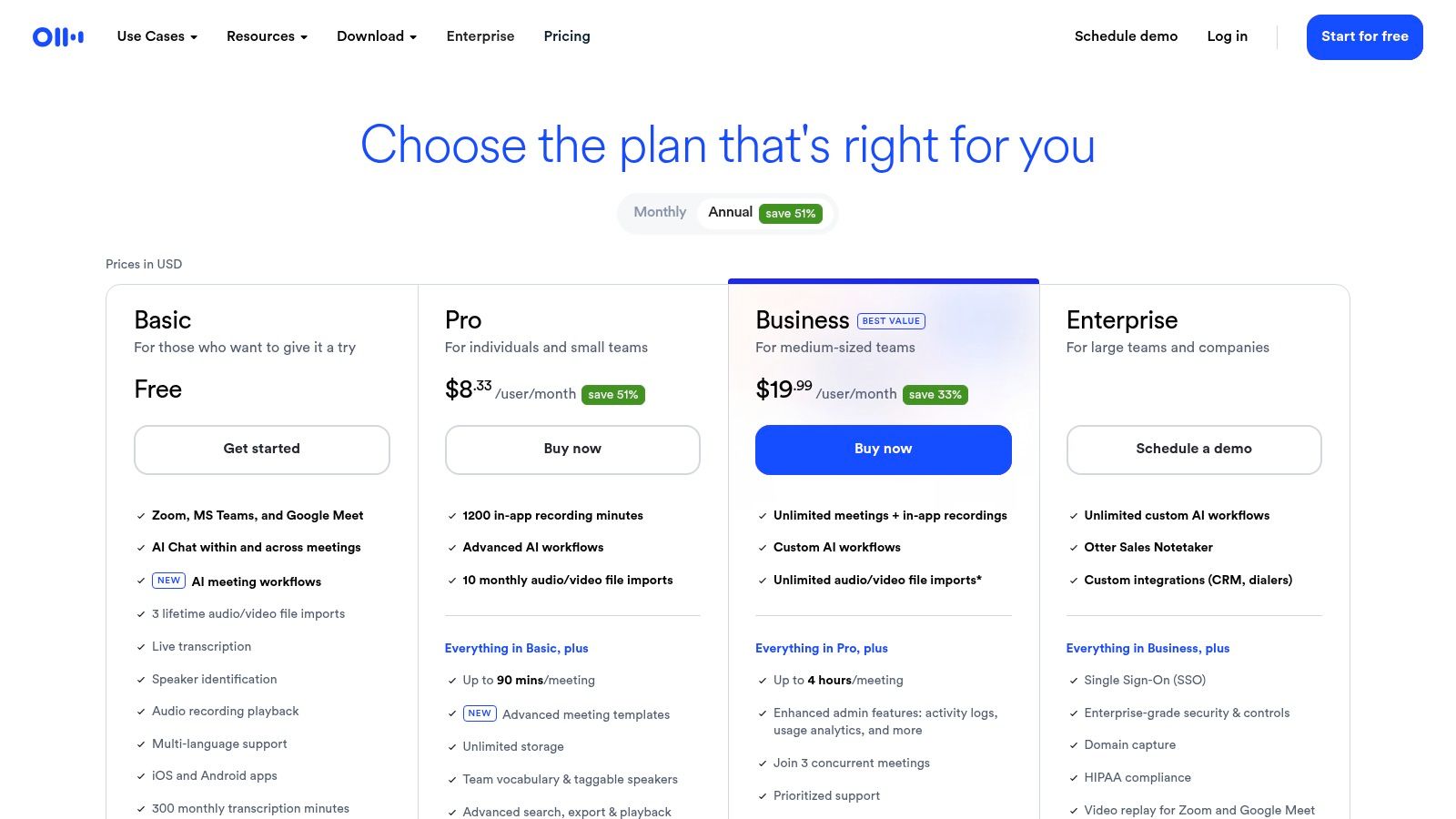
The platform is best for users who already use Otter for meetings and need to occasionally transcribe a short video file. The free plan is generous for live transcription but strictly limits file imports, making it unsuitable for creators with regular video transcription needs. However, for a one-off project or to test its highly accurate, speaker-aware transcription, it remains a valuable option. You can learn more about their offerings at the Otter.ai website.
Key Features & Limitations:
- Use Cases: Best for transcribing meetings, interviews, and lectures with clear speaker separation.
- Transcription: High accuracy with a focus on English (US & UK), with excellent real-time capabilities.
- Editing: Interactive transcript editor with speaker labels, timestamps, and search functionality.
- Exports: TXT, PDF, and SRT formats are available.
- Free Plan: Includes 300 transcription minutes per month (30 mins per conversation) but is severely limited to only 3 lifetime audio or video file imports.
12. Flixier
Flixier operates primarily as a cloud-based video editor, offering a powerful free video to text converter as part of its suite of tools. Its main advantage is its speed; because all processing and rendering happens in the cloud, you don't need a powerful computer to edit videos or generate subtitles quickly. This makes it an excellent choice for creators who need a fast, browser-based solution for adding captions and getting a text version of their content without taxing their local hardware.
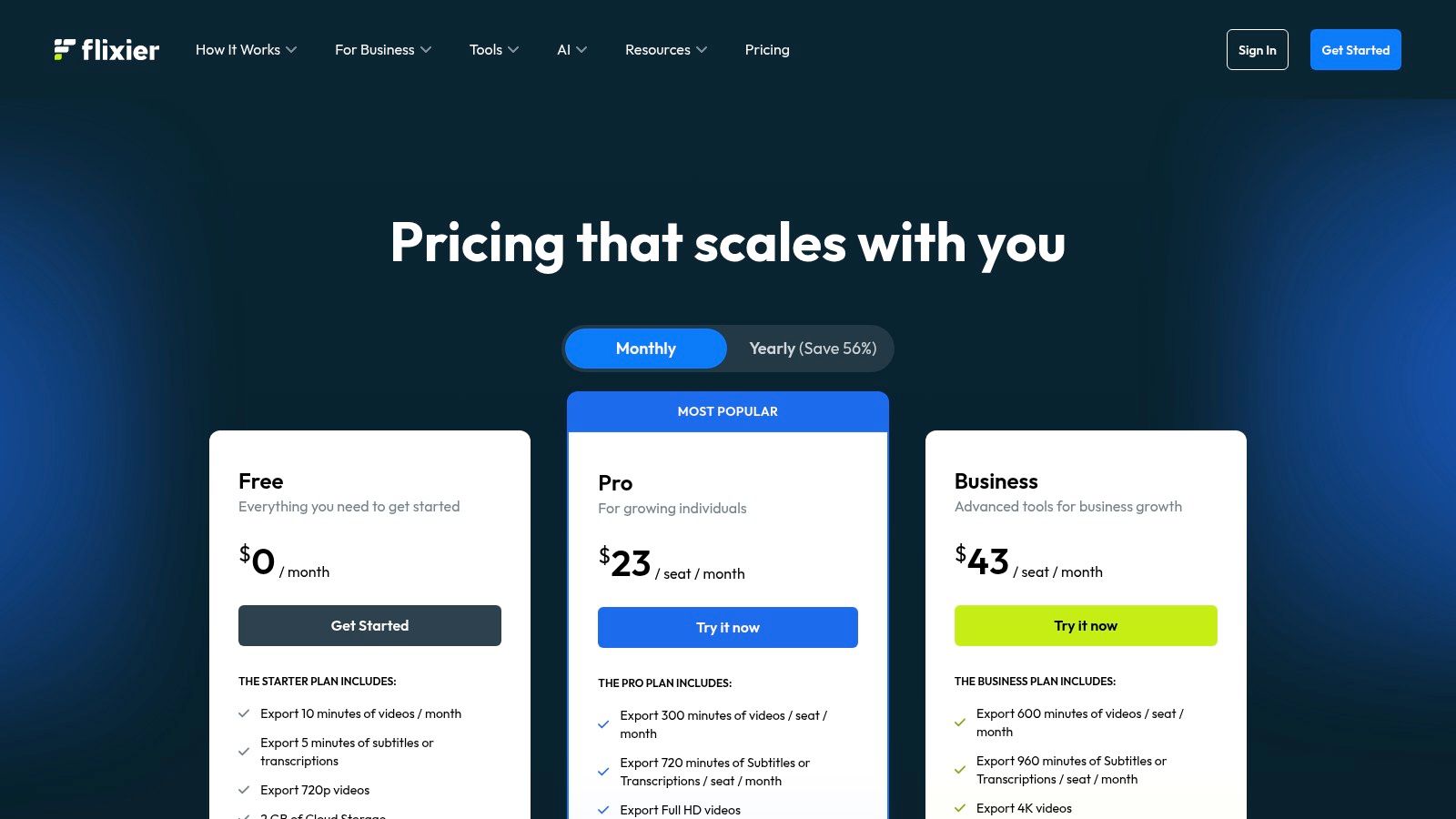
The platform is designed for a complete video creation workflow, from editing to generating shareable assets. While its free tier is quite restrictive, it provides a clear taste of the editor's capabilities, allowing users to experience the automated subtitle generation firsthand. The paid plans offer generous and transparent monthly allowances for transcription minutes, making it a scalable option as your content needs grow. However, be mindful of the free plan's watermarks and strict export limits.
Key Features & Limitations:
- Use Cases: Best for browser-based video editing, fast subtitle generation, and teams needing cloud collaboration.
- Transcription: Automatic subtitle and transcript generation; higher-tier plans include translation into 100+ languages.
- Editing: Full-featured cloud video editor with integrated transcription tools.
- Exports: Exports standard video files with burned-in captions or separate SRT files.
- Free Plan: Includes 5 minutes of subtitles/transcriptions per month and 10 minutes of video exports, but with a watermark.
12 Free Video-to-Text Converter Comparison
| Tool | Core features ✨ | Quality & Speed ★ | Price/Value 💰 | Target 👥 | Unique / Standout 🏆 |
|---|---|---|---|---|---|
| Transcriby 🏆 | URL-based short-form transcription (YouTube Shorts, TikTok, Reels); TXT/JSON; 57+ languages; AI Agents (hook/script/explain) | ★★★★☆ · <1 min typical | 💰 Free 10m trial; Pro $8.99/mo unlimited | 👥 Short-form creators, social managers, growth teams | ✨ Viral Hook & Script AI Agents for fast ideation & repurposing |
| Descript | Text-based video/audio editor; auto-transcript; subtitle export; recorder | ★★★★☆ · fast editor & reliable transcripts | 💰 Free 1 hr/mo; paid tiers for advanced AI | 👥 Podcasters, video editors, creators | ✨ Edit media by editing the transcript |
| Kapwing | Auto-subtitles; web editor; SRT/VTT/TXT exports | ★★★☆☆ · quick for short clips | 💰 Free credits (~10m lifetime); watermarks on free exports | 👥 Social creators, marketers | ✨ Simple credit/minute model for fast social workflows |
| VEED.IO | Auto-subtitles + translation; in-editor corrections; SRT/VTT export | ★★★☆☆ · web-first, speedy | 💰 Free with watermarks & tight limits; paid tiers | 👥 Creators needing quick captions + light edits | ✨ Built-in translation + easy in-editor fixes |
| Microsoft Clipchamp | Free automatic captions; editable transcripts; SRT download | ★★★☆☆ · reliable baseline | 💰 Free (good SRT export; MS integration) | 👥 Windows / Microsoft 365 users, creators | ✨ Truly free SRT exports within MS editor |
| Rev | AI transcription + interactive editor; upgrade to human transcripts | ★★★★☆ · strong accuracy; human fallback | 💰 Free promo mins; paid AI & human options | 👥 Professionals needing high-accuracy captions | ✨ Smooth AI→human handoff for broadcast-quality transcripts |
| Sonix | Fast AI transcription; word-level timestamps; speaker labeling; many export formats | ★★★★☆ · good accuracy & timestamps | 💰 30m free trial; usage-based or subscription pricing | 👥 Media pros, researchers | ✨ Word-level timestamps & flexible exports |
| Trint | Collaborative editor with translation, team review & exports | ★★★★☆ · team-oriented UX | 💰 7-day free trial (no card); paid plans after | 👥 Teams, producers, editorial workflows | ✨ Collaboration & review workflows for teams |
| Happy Scribe | AI + optional human proofreading; 60+ languages; integrations | ★★★★☆ · strong multilingual support | 💰 Small free trial; clear per-minute pricing | 👥 Enterprises, multilingual creators | ✨ Human proofreading + broad integrations (YouTube/Vimeo/cloud) |
| Notta | Web & mobile transcription; Zoom/Meet integrations; speaker ID | ★★★☆☆ · good for meetings & short clips | 💰 Free 120m/mo (3m max/recording); paid for heavy use | 👥 Meeting note-takers, remote teams | ✨ True ongoing free tier + conferencing integrations |
| Otter.ai | Meeting-focused STT; speaker labeling; limited file imports on free | ★★★★☆ · good baseline accuracy for meetings | 💰 Free 300m/mo; 30m max per transcription; limited file imports | 👥 Workplace teams, meeting transcription | ✨ Live transcription & meeting-optimized features |
| Flixier | Cloud video editor with subtitles/transcripts; fast cloud rendering | ★★★☆☆ · fast cloud renders | 💰 Free small quotas (10m export / 5m subs); Pro with large quotas | 👥 Creators needing cloud rendering & quotas | ✨ Fast cloud rendering + clear monthly subtitle allotments |
Choosing the Right Converter for Your Workflow
Navigating the landscape of video-to-text conversion tools reveals a simple truth: there is no single "best" solution for everyone. Your ideal tool is the one that seamlessly integrates into your unique creative process, respects your budget, and delivers the specific outputs you need. The journey from raw video footage to an accurate, usable text transcript is now more accessible than ever, but choosing wisely is key to unlocking its full potential.
Throughout this guide, we've explored a dozen powerful platforms, each with its own set of strengths and limitations. The right free video to text converter for your workflow depends entirely on your primary goal. A social media manager aiming for rapid content repurposing will have different needs than a researcher requiring meticulous, high-accuracy transcripts for analysis.
How to Select Your Ideal Tool
To make a final decision, consider these critical factors based on the tools we've reviewed:
- For Speed and Social Media Virality: If your core focus is on quickly transcribing short-form content from platforms like TikTok or YouTube Shorts and leveraging AI to generate viral ideas, a tool like Transcriby is purpose-built for that workflow. Its URL-based input and AI agents provide a distinct advantage for creators who need to move fast.
- For All-in-One Video Editing: If transcription is just one piece of a larger video editing puzzle, integrated suites like Descript or VEED.IO are excellent choices. Their "edit text to edit video" functionality can revolutionize your production time, though their free tiers often come with significant watermarking or export limitations.
- For a Truly Free, No-Watermark Option: For users who need a reliable, watermark-free solution for generating basic captions and are willing to work within a more traditional editor, Microsoft Clipchamp stands out. As part of the Windows ecosystem, it offers a surprisingly robust free plan.
- For High-Accuracy, Professional Needs: When accuracy is non-negotiable for accessibility compliance, legal purposes, or detailed research, premium services like Rev or Sonix are worth the investment. While their free trials are limited, they provide a benchmark for professional-grade transcription quality.
Final Considerations Before You Commit
Before settling on a platform, take a moment to test your top two or three contenders with a real project. Pay close attention to the user interface, the actual accuracy on your specific type of content (e.g., clear narration vs. multi-speaker interviews), and how the free plan's limitations will impact your regular output. A free trial that offers 10 minutes of transcription might be perfect for a TikTok creator but insufficient for someone transcribing a weekly podcast episode. By evaluating these tools against your own usage patterns, you can find a long-term partner that will save you countless hours and help you maximize the reach and impact of every single video.
Ready to experience transcription built for the speed of social media? See how Transcriby can turn your short-form videos into text, captions, and viral content ideas in seconds. Try Transcriby for free and get your first 10 minutes of transcription on us.